LogScore Manual
iCloud Sync
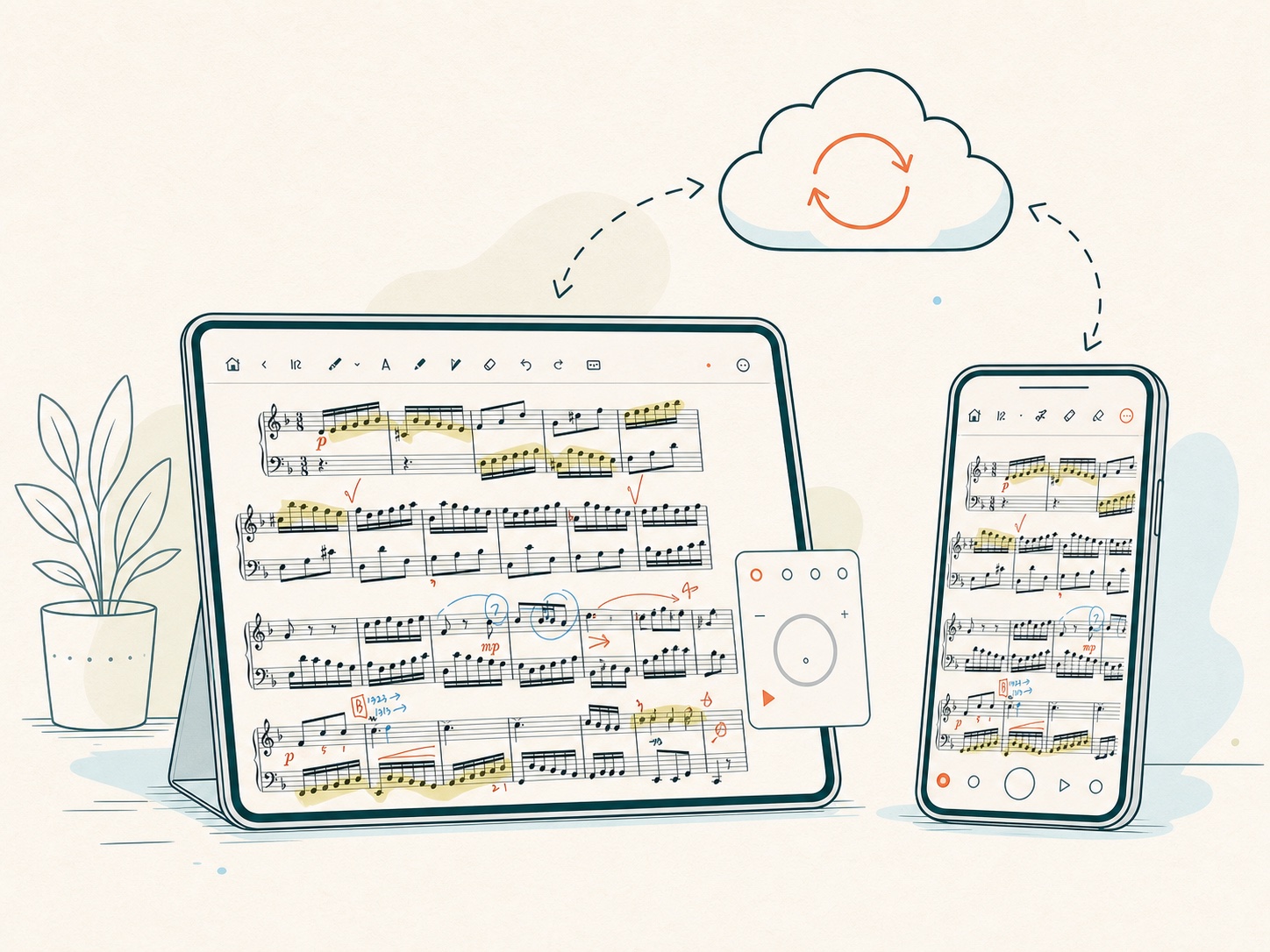
Sync LogScore PDF scores, annotations, practice data, settings, and recordings between iPhone and iPad using the same Apple Account.
What iCloud sync does
With the same Apple Account and iCloud enabled, LogScore synchronizes score metadata and associated app data across devices. This includes the score library, score assets, annotations and layers, supported score settings, practice data, track data, and recording metadata and assets handled by LogScore’s sync system.
Large PDFs, images, recordings, and first-time device setup can take longer than small metadata changes. Keep the app open with a stable network while an initial sync completes.
Prepare both devices
- Sign in to the same Apple Account on both devices.
- Open Settings > Apple Account > iCloud.
- Enable iCloud Drive and allow LogScore to use iCloud.
- Install the current LogScore version on both devices.
- Open LogScore on the first device and wait for Sync complete.
- Open it on the second device and allow time for download and application of data.
Check sync status
Open Practice Journal > Settings > iCloud Sync. Status can show:
- Waiting to sync;
- Syncing…;
- Uploading pending changes;
- Checking iCloud data;
- Applying downloaded data;
- Preparing local data;
- Uploading initial data;
- Sync complete;
- Sync failed.
If sync fails, note the displayed diagnostic code and select Sync Now.
Avoiding conflicts and duplicates
Let one device finish its initial upload before making extensive changes on another new device. Do not manually delete apparent duplicates until sync has completed on both devices. Export the JSON backup for supported practice data and retain independent copies of original PDFs and important recordings. Large score assets may arrive after their metadata, so a score can appear before every file is locally available.
What to do before reinstalling
Confirm Sync complete, export a Full Backup (JSON) for supported practice data, and keep independent copies of your original PDFs and important recordings. The JSON file does not contain the PDF library, annotations, score assets, or audio recordings. iCloud is a synchronization service, not a substitute for an independent backup of data you cannot recreate.