LogScore Manual
Bluetooth Page-Turner Pedals
Pair a PageFlip, AirTurn, or another HID Bluetooth page-turner pedal and use it to turn PDF sheet music pages in LogScore.
LogScore supports Bluetooth page-turners that present themselves to iOS as a keyboard or HID input device. Examples include compatible PageFlip and AirTurn modes. Manufacturer-specific BLE accessories that require a proprietary app or protocol may not behave as HID pedals.
Pair the pedal
- Put the pedal in its keyboard or page-turner mode according to the manufacturer’s instructions.
- Open the iPhone or iPad Settings app.
- Open Bluetooth.
- Turn on the pedal and select it under available devices.
- Wait until iOS shows it as connected.
- Return to LogScore.
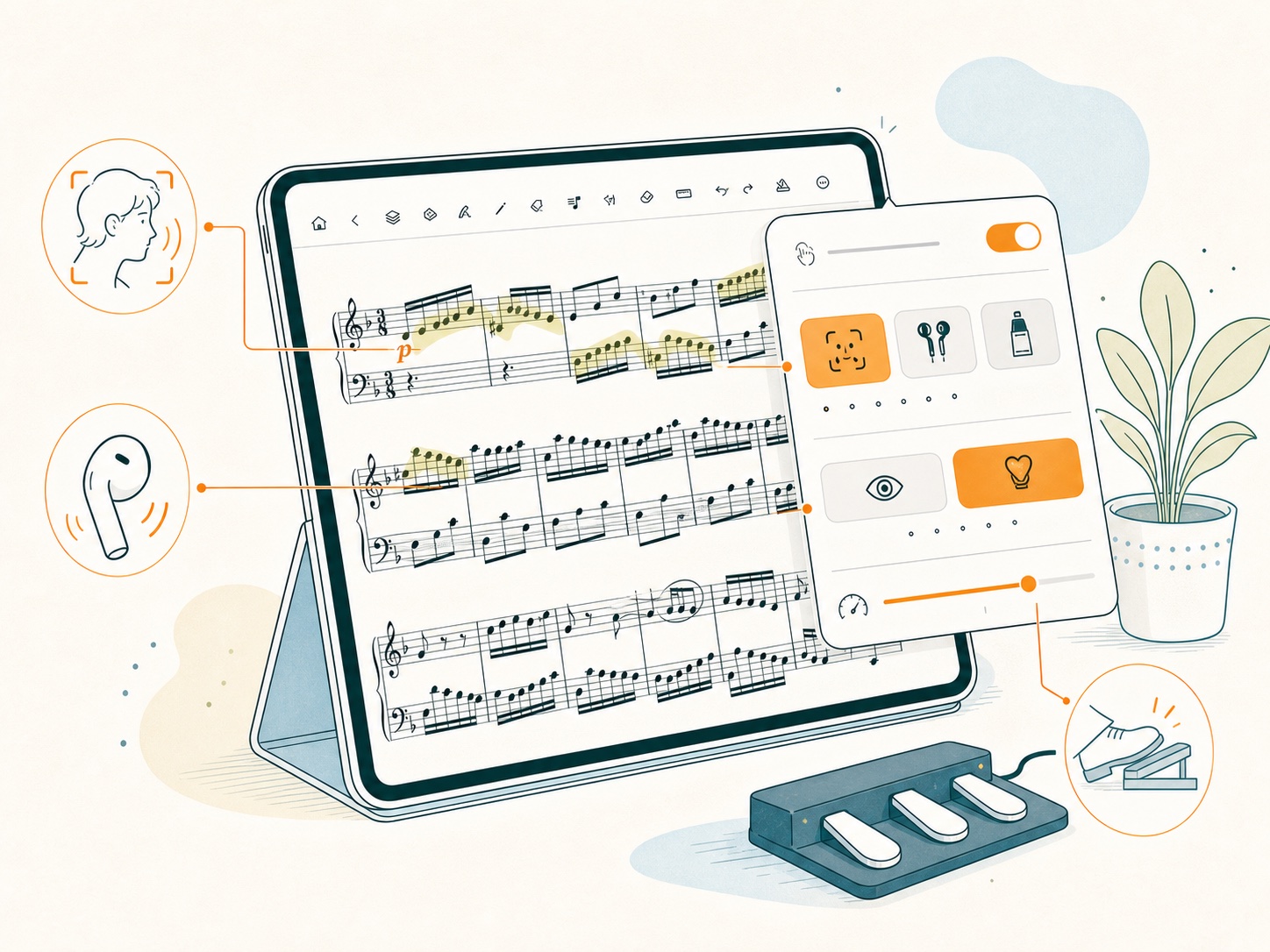
Enable the pedal in LogScore
- Open a score and show the toolbar.
- Tap the hand icon.
- Turn on Hands-Free Page Turn.
- Select Pedal.
- Press each pedal once to confirm previous-page and next-page behavior.
No separate pairing control appears inside LogScore because iOS handles HID pairing.
If the pedal does not respond
- Confirm that Pedal is selected for the current score.
- Confirm that Hands-Free Page Turn is on.
- Check the Bluetooth connection in iOS Settings.
- Try another operating mode on a multi-mode pedal; use a keyboard/page-turn mode.
- Disconnect the pedal from another nearby device that may have claimed the connection.
- Test the pedal in a text editor to see whether it sends arrow or page commands.
- Reconnect or restart the pedal after changing modes.
- Remember that score settings are per score; another score may have a different input selected.