LogScore Manual
Practice Journal, Timer, and Statistics
Time piano or instrument practice, pause and edit sessions, add notes, review streaks, calendar activity, weekly charts, and monthly trends.
Start a timed practice session
- Open Practice Journal.
- Select Start Practice.
- Return to a score if desired.
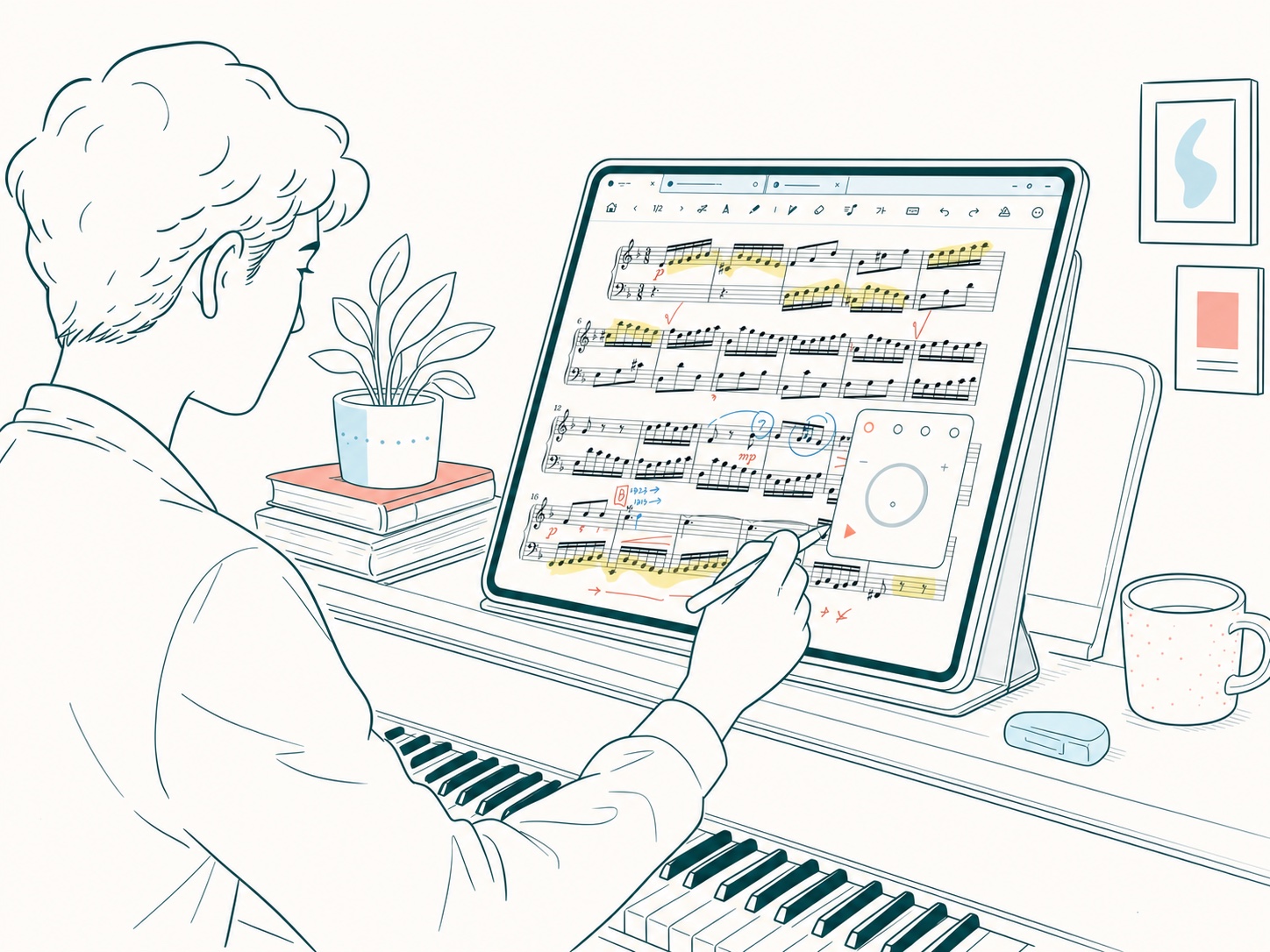
The timer continues while you read a score and can appear as a floating timer. On supported system configurations it can also remain visible on the Lock Screen as a Live Activity.
Pause, resume, edit, and finish
During a session, Practice Journal displays elapsed time and Session Controls:
- Pause temporarily stops accumulating time.
- Resume continues the same session.
- Edit Time corrects the recorded interval.
- Finish Practice ends the session.
When finishing, add a memo if you want to record repertoire, tempo, problems, or the next goal, then select Done. The saved record contributes to daily and total practice statistics.
Understanding the 4 a.m. day boundary
For practice records, a new day begins at 4:00 a.m. This keeps a late-night session with the musical day on which it began rather than splitting it at midnight.
Summary and streaks
Practice Journal shows today’s practice time, total accumulated time, current streak, and best streak. A practiced day contributes to the streak when it contains saved practice time.
Calendar and activity views
Use the practice calendar and recent-practice heatmap to identify active days. Darker activity represents more practice. Open a date to review its sessions, practiced tracks, total time, and notes.
Charts and trends
Statistics can include weekly practice time, weekly practiced tracks, monthly trend, and yearly trend. These views summarize saved records; changing or deleting an underlying session updates the totals.
Edit or delete an old session
Open the date detail and expand a session. Use Edit Time to correct start and end times, Edit Memo to change the note, or Delete to permanently remove that session record. Deleting a session can reduce totals and change streak calculations.