LogScore Manual
Organize and Find Scores
Create folders, search by title or composer, sort PDF scores, move scores, manage open tabs, and safely delete sheet music in LogScore.
Search the library
Use the search field in Scores to search the current location by title or composer. Search inside a folder to narrow the results to that folder. Clear the search text to show every score again.
Sort scores
Tap the sort control above the score list and choose:
- Recently Imported — newest imports first.
- Title — alphabetical order.
- Recently Opened — scores used most recently first.
The selected sort preference is remembered after the app closes.
Create and use folders
- In the root of the Scores tab, tap the folder-with-plus button.
- Enter a folder name such as
Bach,Lesson Repertoire, orRecital. - Select Create.
- Open a folder to view its scores.
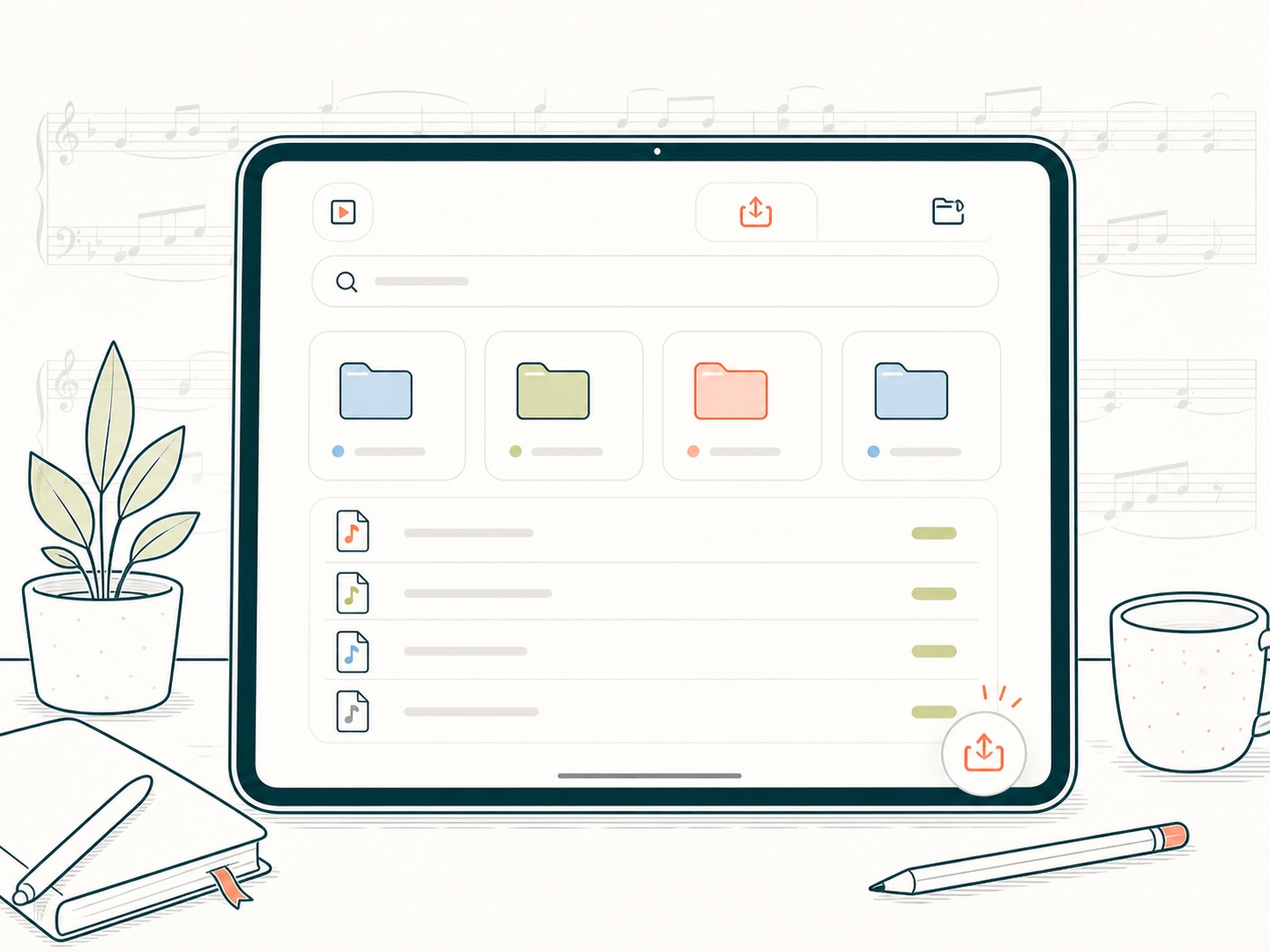
Long-press a folder to rename it or select Delete Folder. Deleting a folder does not delete the scores inside it; those scores return to Uncategorized Scores.
Move a score
- Long-press the score in the library.
- Select Move to Folder.
- Select a destination folder or Uncategorized (No Folder).
Open more than one score
Each opened score appears in the tab strip at the top of the viewer. Select a tab to move between scores without returning to the library. LogScore restores the open tab session on the next launch when the corresponding score is still available.
Delete a score safely
- Long-press the score.
- Select Delete.
- Read the confirmation and select Delete again.
Deleting a score removes the score file, its annotations, and its linked practice records. Linked audio recordings are preserved and appear under All Recordings > Deleted Score. Deletion cannot be undone from within LogScore. The JSON backup in Settings does not contain PDF scores or annotations, so retain an independent copy of any PDF you may need again.
Open all recordings
Tap the stacked-player icon at the top left of the root library. All Recordings groups recordings by score. Recordings whose score was deleted appear in a Deleted Score group and can still be played, renamed, shared, or deleted.