 OnceBefore
12 · Manual
Share practice and editable copies
Choose the file type that matches what the recipient should be able to do.
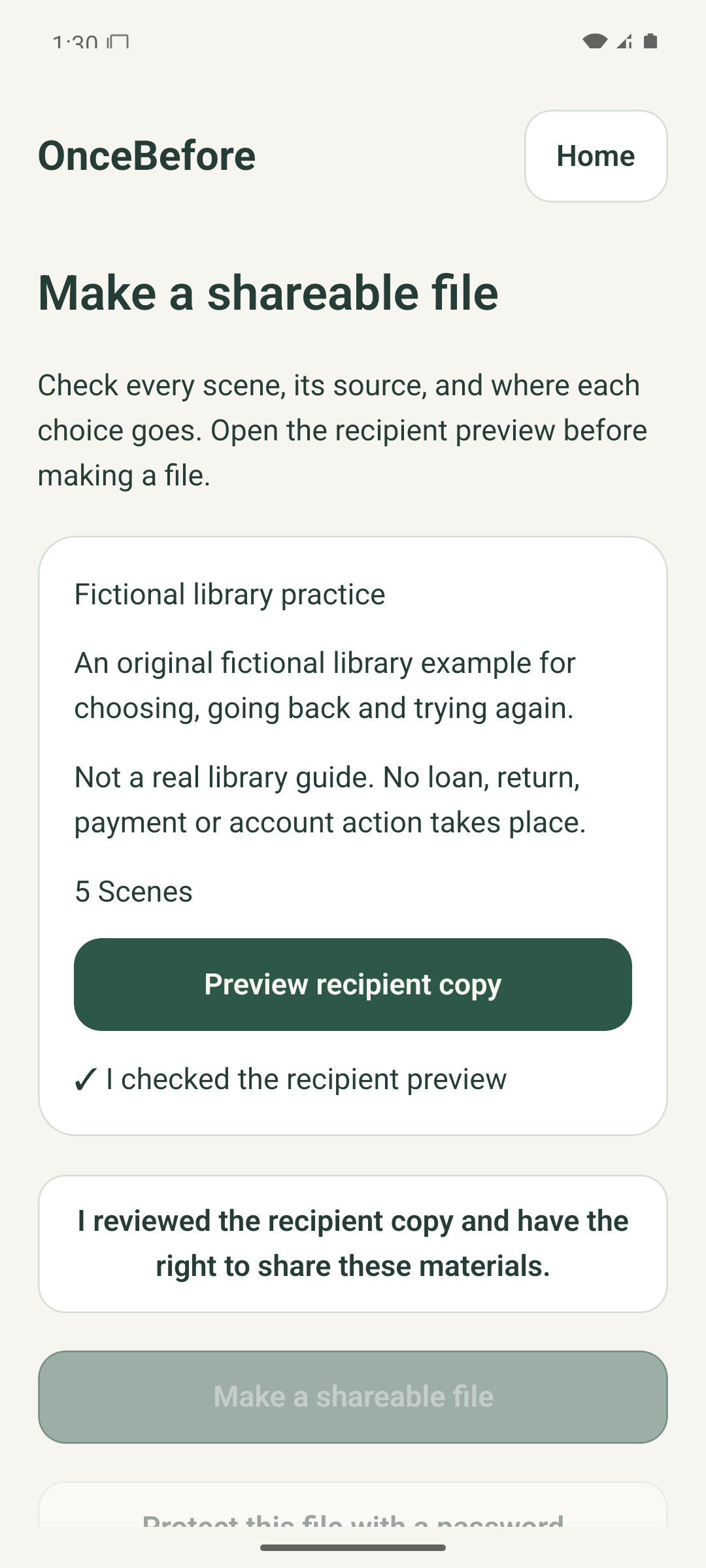
Steps
- Choose Make a shareable file for a read-only `.rehearse` recipient copy.
- After validation and file creation finish, choose Open sharing options and select the destination in the system share sheet.
- Choose Export editable copy only when the recipient should be able to change and forward the project.
- On the separate editable-copy review, check what is included and excluded, then choose password-protected or plain export.
- Give a password to the intended recipient separately. OnceBefore cannot recover it.
What to expect
A file is created locally and the system share sheet opens. File creation or opening sharing options does not confirm delivery.
If it does not work
- If export is cancelled, the original project remains and no share sheet is opened.
- If the recipient cannot open a protected file, confirm the exact password and resend the original file if needed.
- A shared copy cannot be remotely recalled. Send a corrected new version and clearly identify it.
Keep in mind
A personal encrypted backup is a different format and may include private originals and records. Do not send it as a public practice. The example share-review image has the sharing-rights confirmation unchecked, so file creation is disabled and no external delivery is claimed.