 OnceBefore
01 · Manual
Getting started
Choose the app language, open the built-in fictional example, and learn what a practice can and cannot do.
Steps
- Open Settings & my data, then choose App language: System, English, or Korean.
- Return Home and choose Try an example.
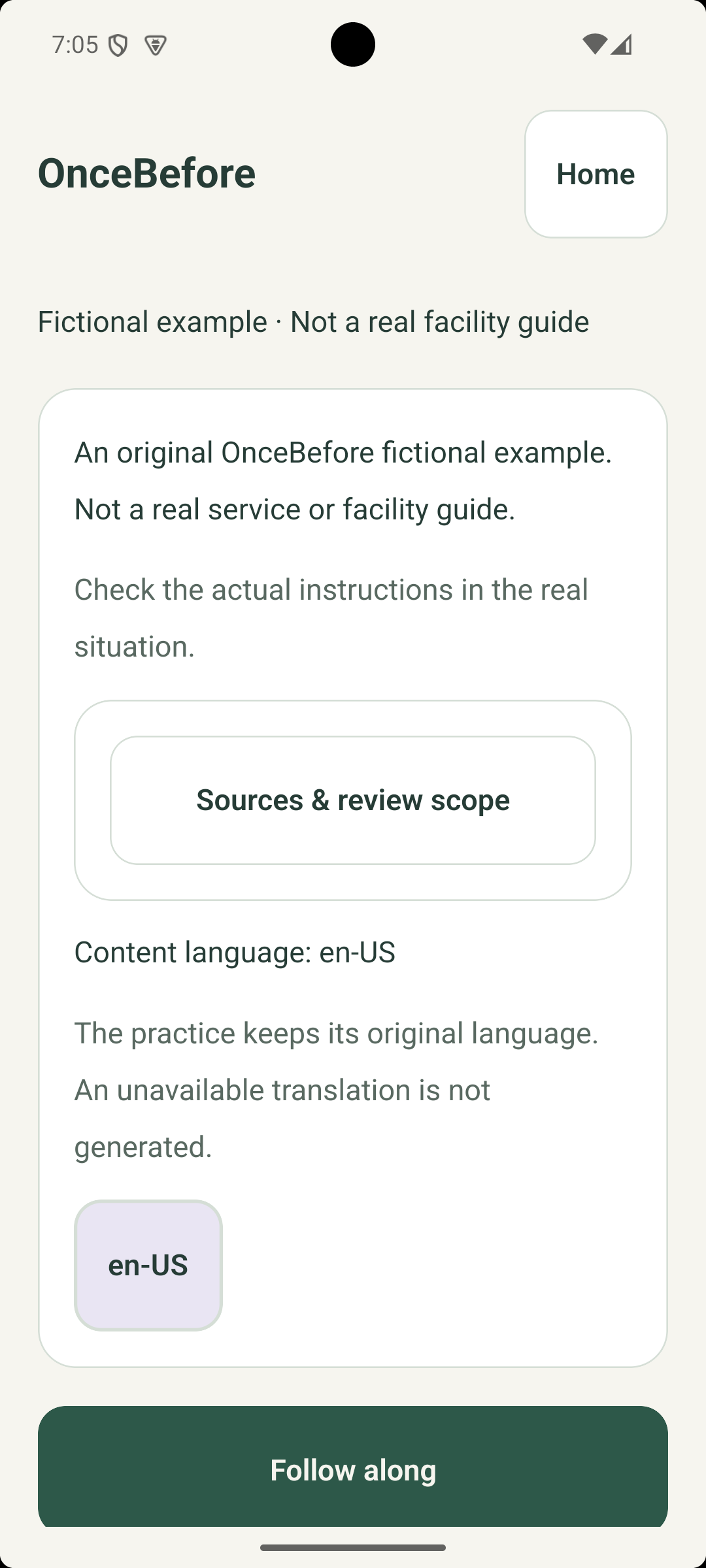
- Open About this practice. Check the fictional-example notice, content language, context, source or review scope, and review date.
- Choose Start, then select Follow along, Try on my own, or Revisit a scene when those options are present.
What to expect
The rehearsal opens inside a visible PRACTICE frame. It does not submit a request, make a payment, sign in, or control another device.
If it does not work
- If the example does not open, return Home and try again after the app finishes loading.
- If the app language changed but rehearsal text did not, that rehearsal has its own content language. The app does not invent a translation.
Keep in mind
The included examples are fictional and are not instructions for a real place or service.