 OnceBefore
Practice at your own pace
Make your first time feel familiar.
Turn photos and screenshots into practice you can choose, revisit, and repeat. Prepare for yourself, a family member, or someone you support.
Preparing for release on iOS and Android
Try another route
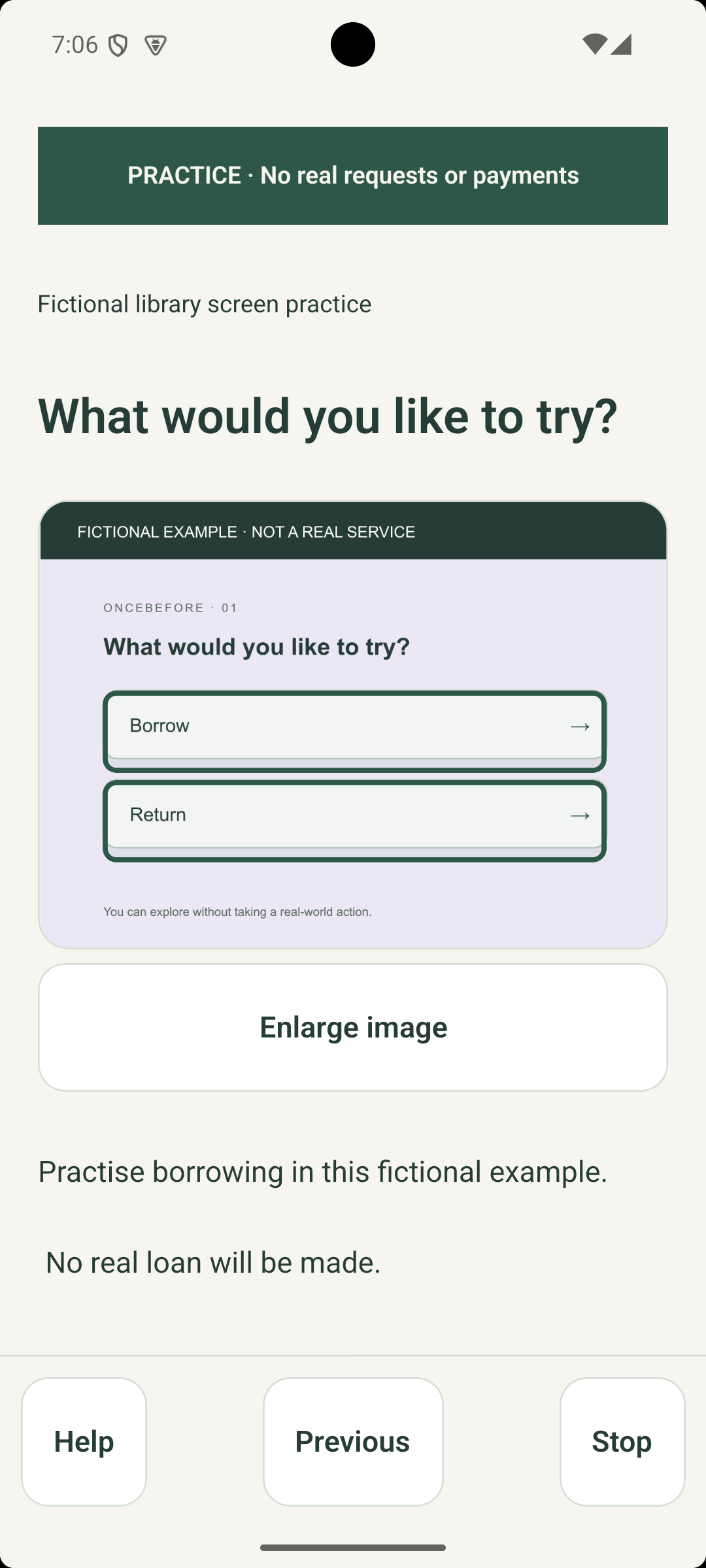
Do more than watch. Make a choice.
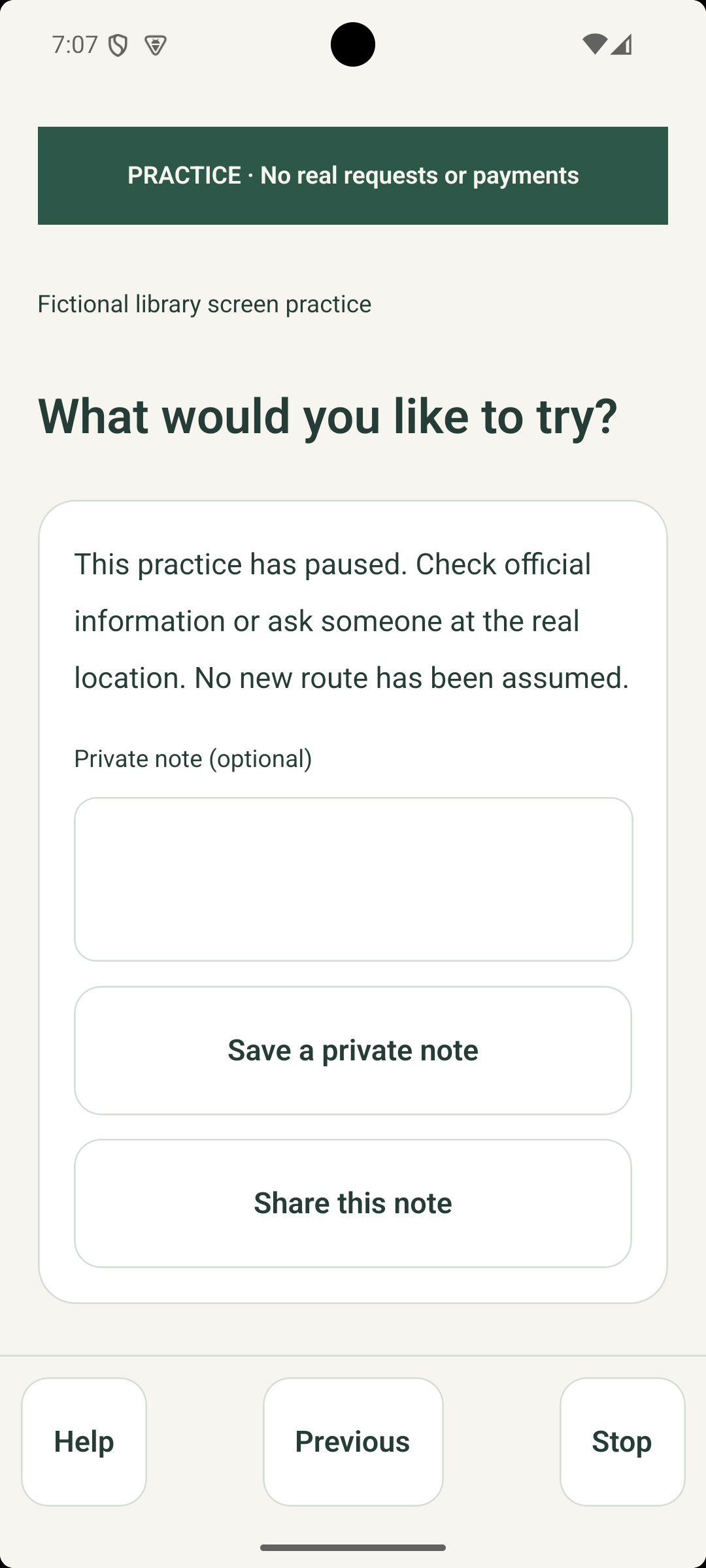
Explore what follows a choice, go back, and try another route. Help and Stop stay within reach.
Your way to follow
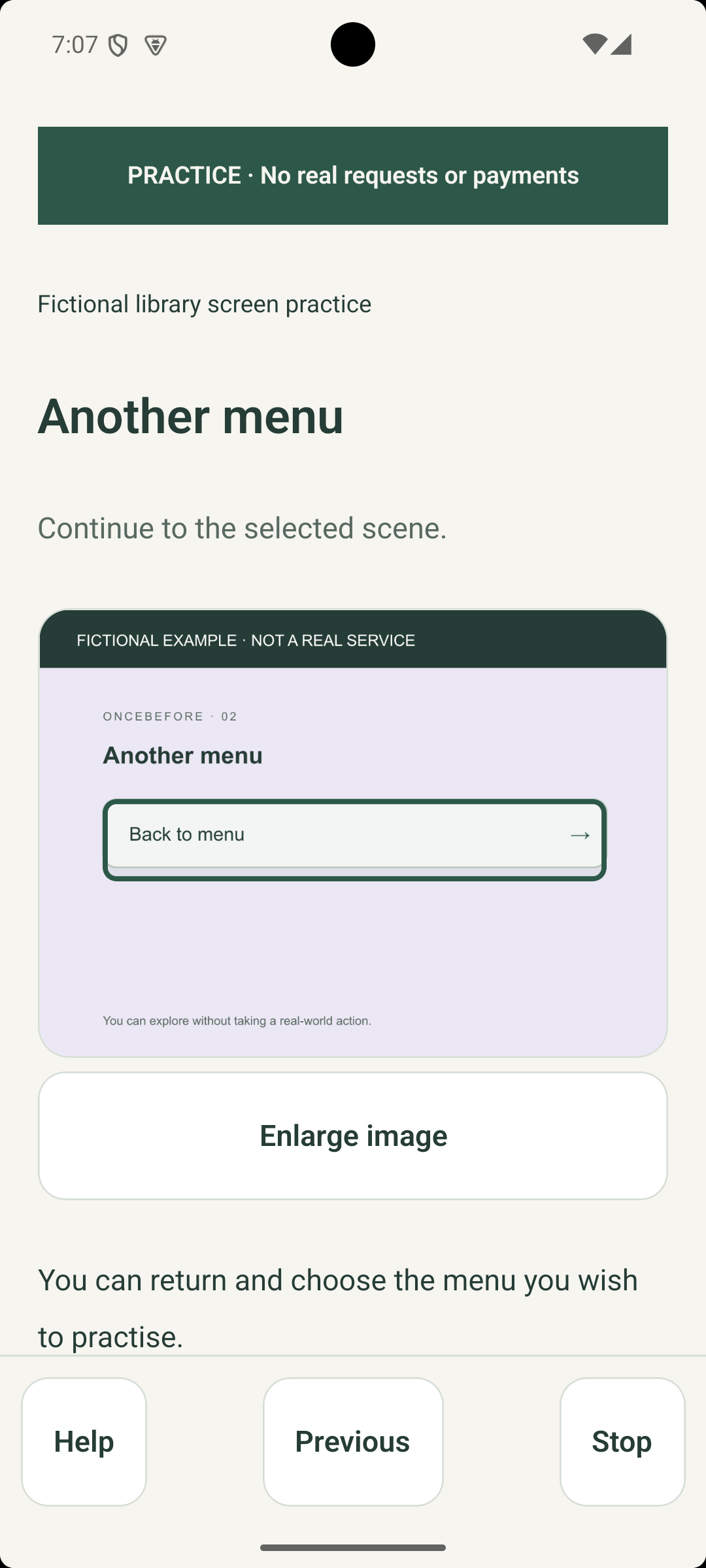
Follow in a way that works for you.
Use larger choice buttons and adjust text and spacing. Follow the explanations, narration, and transcripts available in each rehearsal at your own pace.
Return where you need
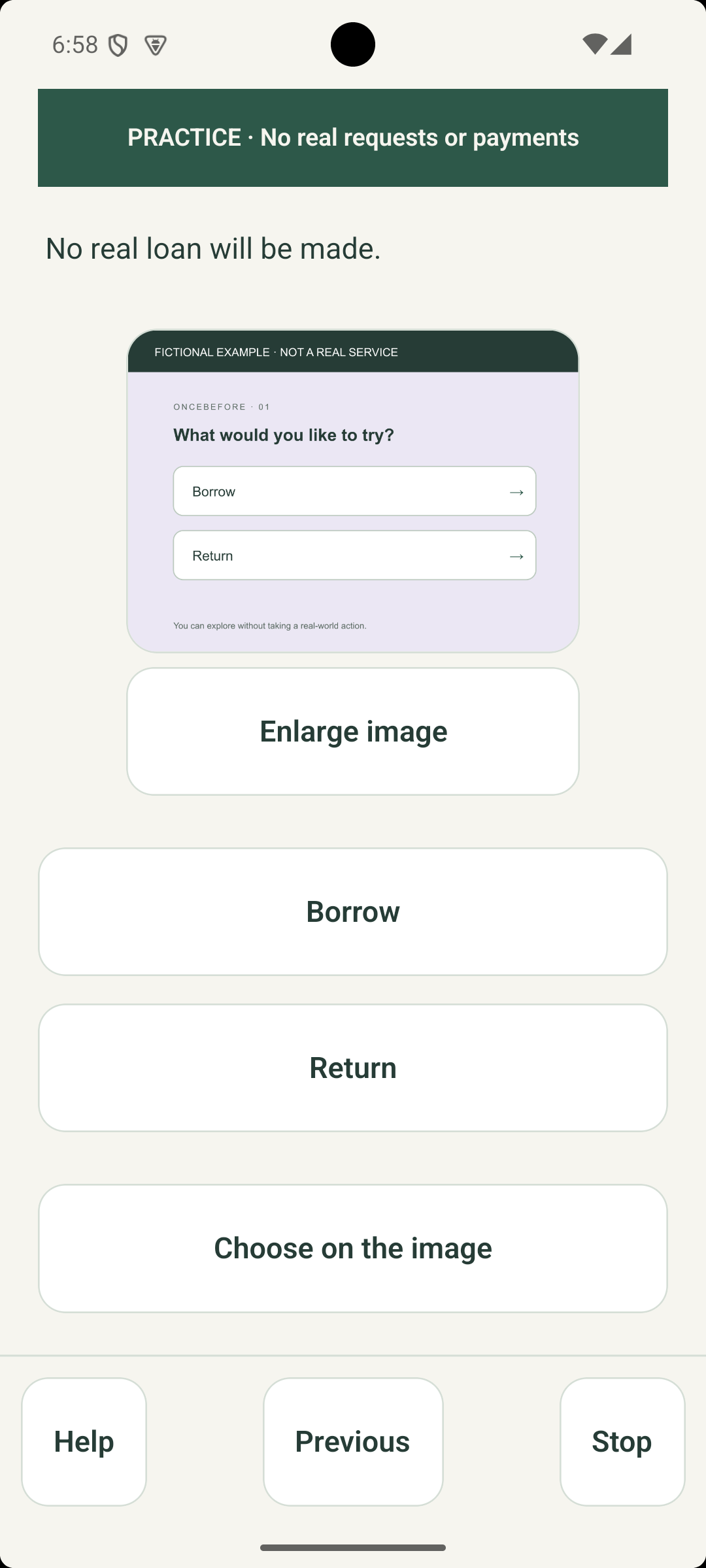
Return to just the part you need.
You do not have to start the whole rehearsal again. Return to the scene you want to practise.
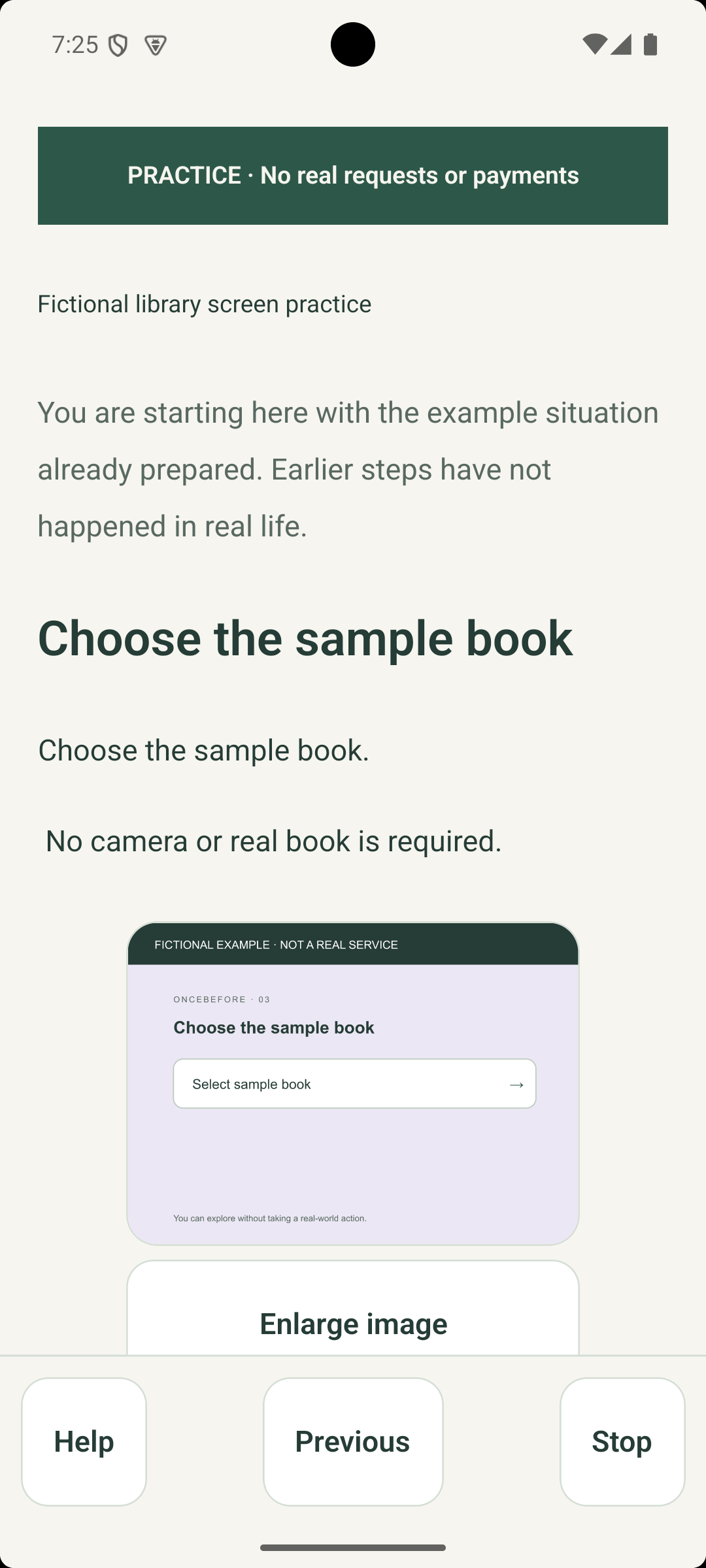
Preparation includes a pause
Reality different? Pause and check.
Practice does not make real payments, submit applications, sign you in, or operate devices. Check the actual place or service if it differs. Finishing a rehearsal does not certify safe independent performance or completion of a real task.
Make it your own
Show it once. Make it practice.
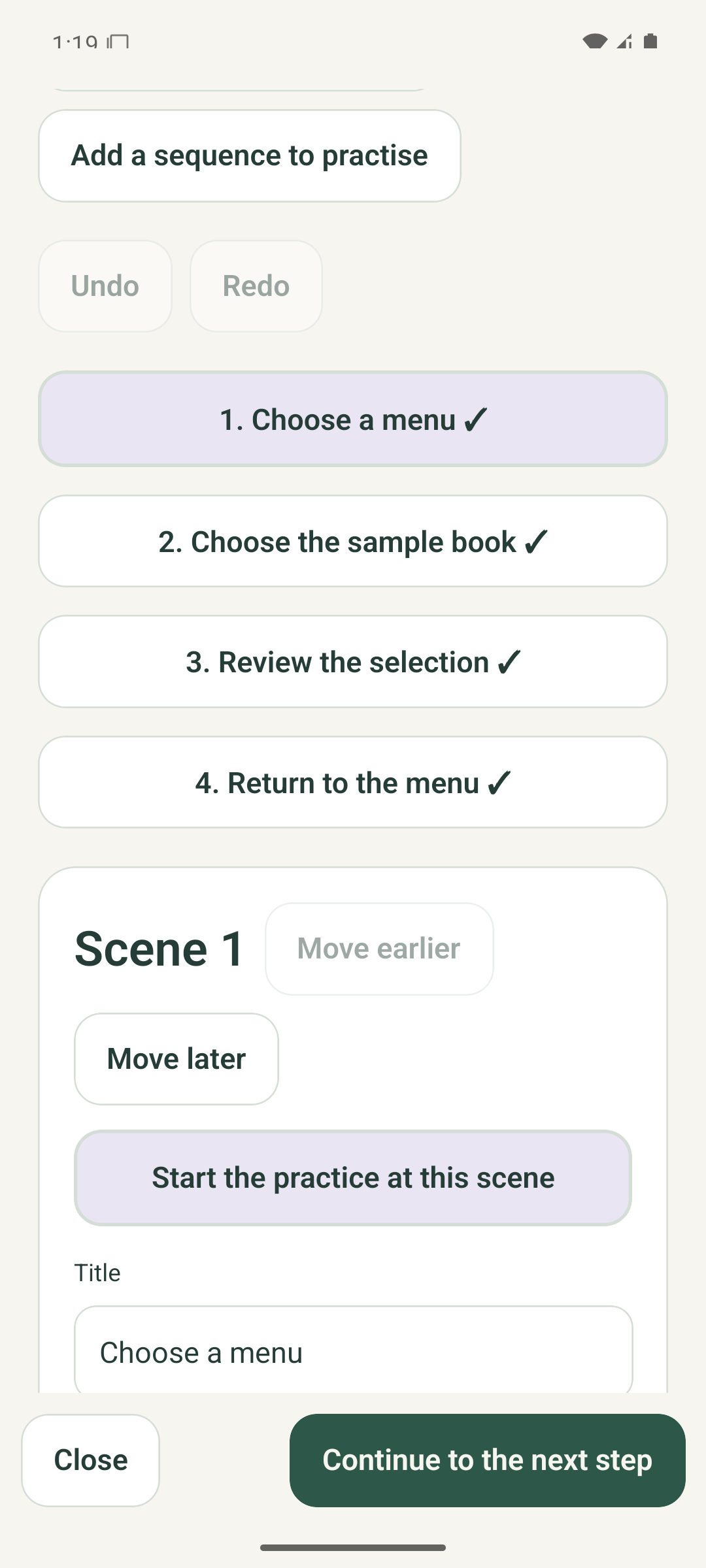
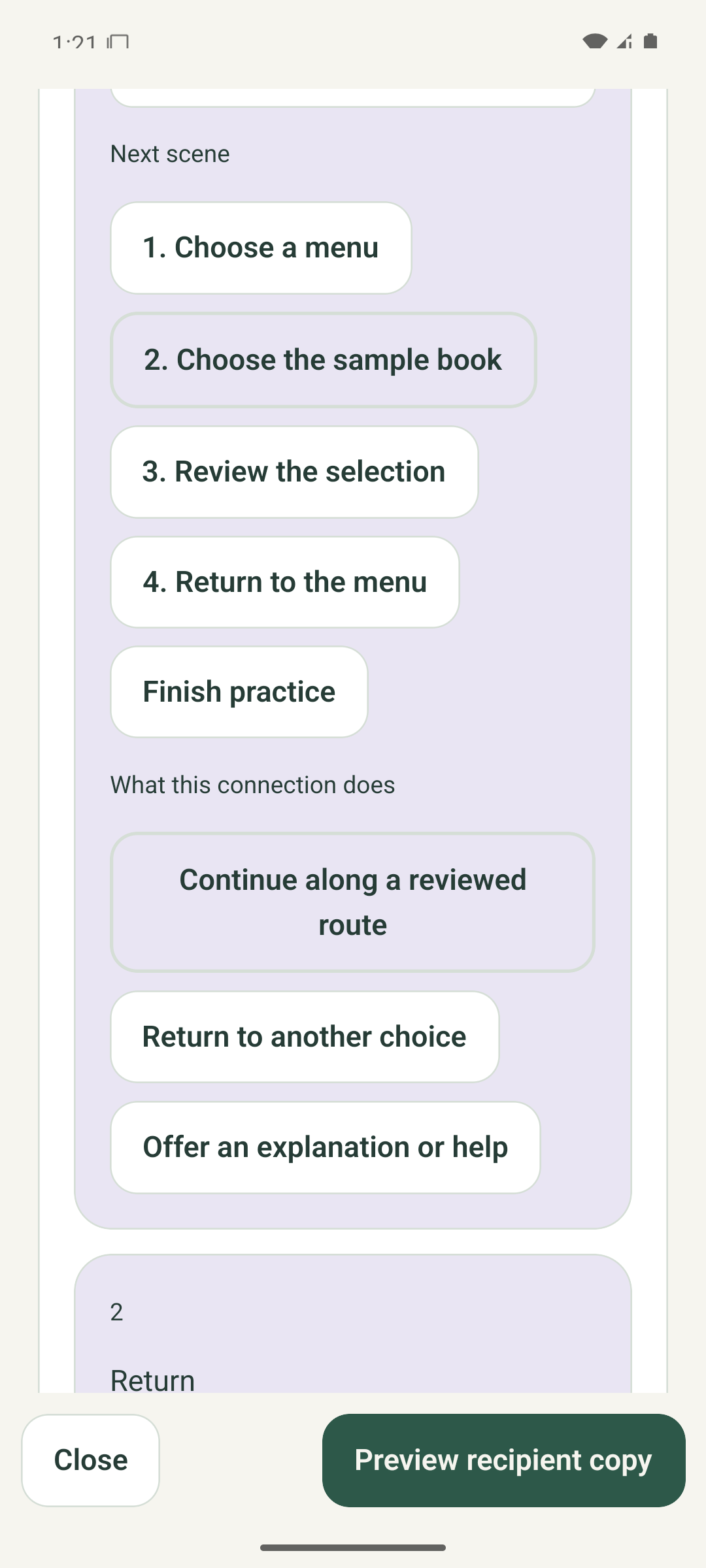
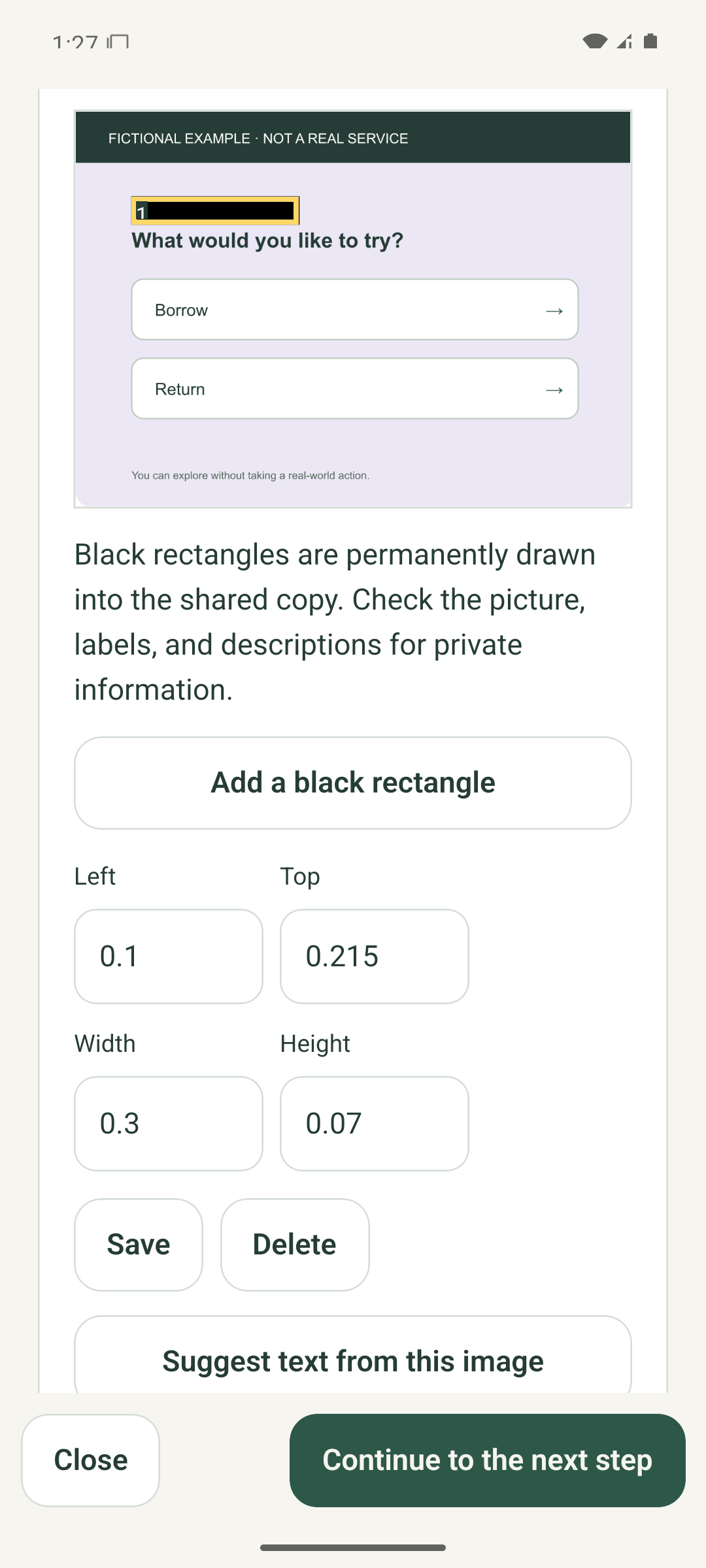
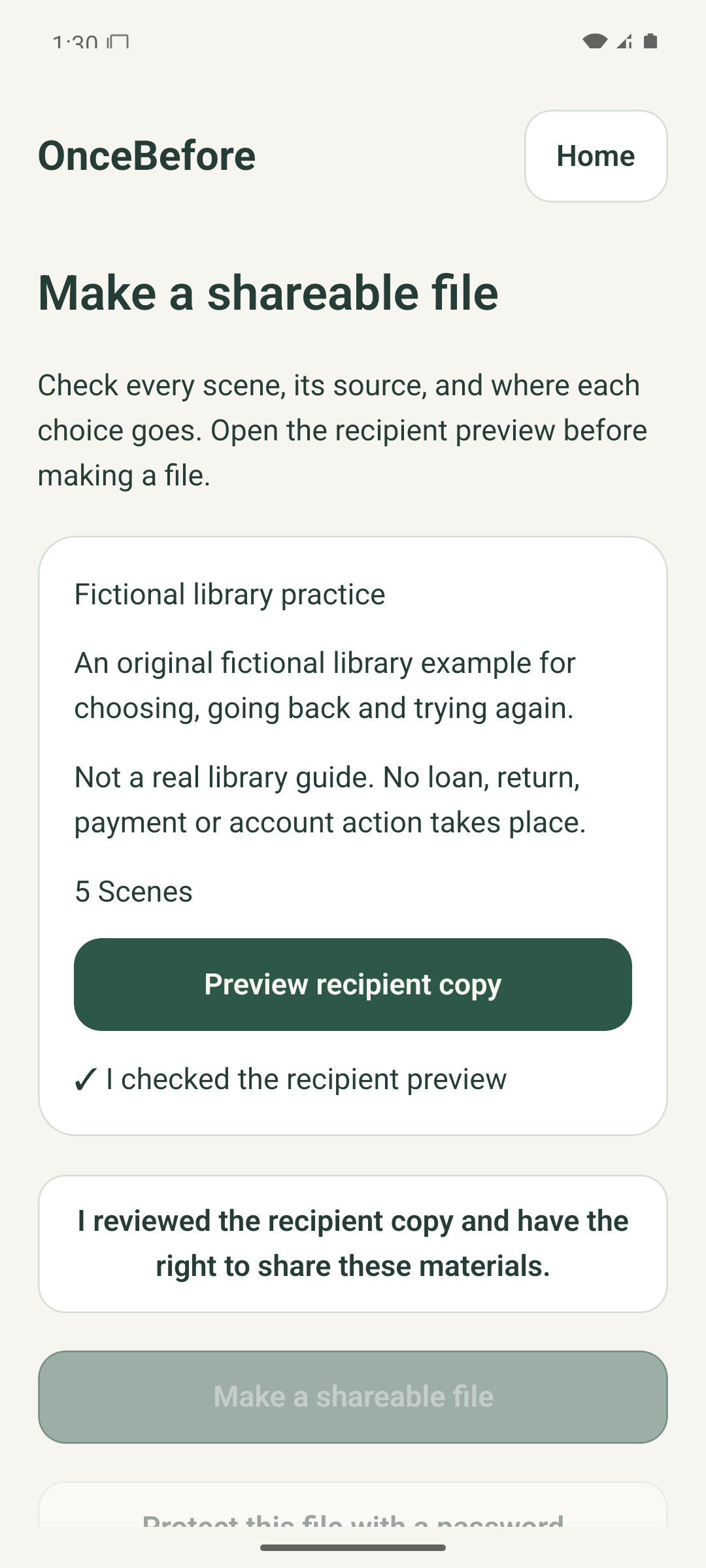
Import photos or a screen recording, arrange the scenes, connect each choice, and review every route in the recipient preview. The reviewed fictional example contains four authored scenes and six choice routes.
Before you share
Review the version you share.
Public practice files leave out private originals, notes, progress, and editing history. Review text, images, and audio even after masking. Practice materials are stored on this device. Other copies may be kept in device backups and sharing services you choose.
Practise what you receive. Start with three projects.
Received rehearsals are free to practise repeatedly, and three active creator projects are free. The optional one-time Creator Lifetime purchase adds more active projects, template copies, and bulk organization. Core editing, accessibility, privacy tools, and personal backups do not require that purchase. No price is shown until a store registers the actual localized price, and a purchase does not automatically unlock another platform.