 OnceBefore
07 · Manual
Create a rehearsal
Start an editable project, describe its context, and add material without presenting unreviewed suggestions as facts.
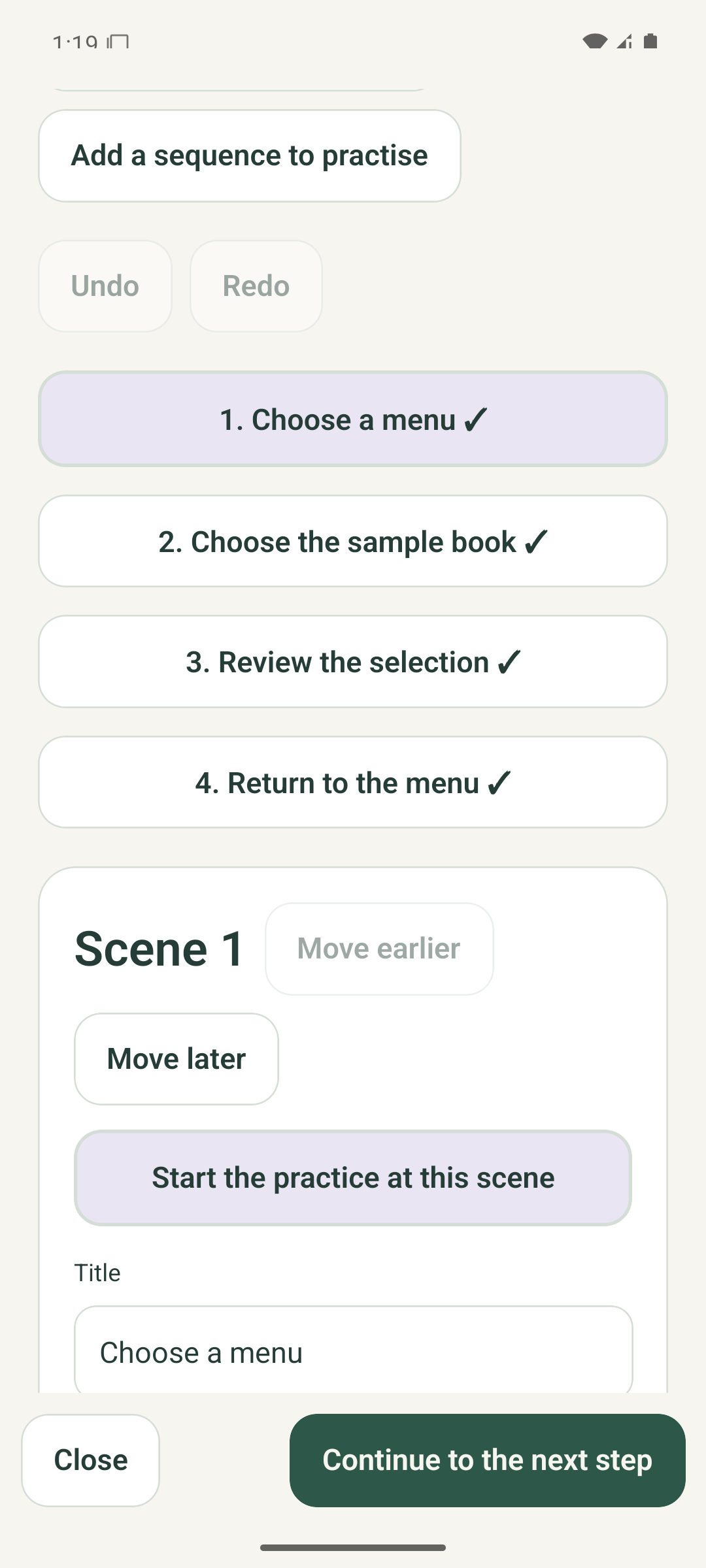
Steps
- From Home, choose Make a practice, then New project.
- Set a title, source content language, practice type, context, limitations, source details, captured date when known, review date, and optional suggested recheck date.
- Choose photos, Take a photo, Import video or PDF, Add a text scene, or Add an ending scene.
- Give each scene a clear description and mark whether it is captured material, an owned fictional example, or the maker's explanation.
- Save after each meaningful group of changes.
What to expect
An editable local project appears in My projects. Three active projects are included free; archiving a project frees an active slot without deleting it.
If it does not work
- If media permission is denied, choose an existing file or add a text scene instead.
- Video candidate extraction accepts up to 60 seconds and PDFs up to 20 pages. Select only the scenes you need.
- If saving fails, keep the screen open, free device space, and retry. Confirmed data remains unchanged.
Keep in mind
A date or source label records what the maker entered. It does not verify a place, sender, or current real-world condition.