Bring in a screenshot
Choose an image, find recent screenshots, or send one to ShotDo from the system Share menu.
 ShotDo
ShotDo turns the screenshots you meant to revisit into clear, editable to-dos—and keeps the original screen attached so the context never disappears.
One simple loop
Choose an image, find recent screenshots, or send one to ShotDo from the system Share menu.
ShotDo reads Korean and English text on the device and proposes an editable task title and, only when grounded, a reminder date.
Save it for tonight, tomorrow, the weekend, a custom time, or someday. The screenshot remains attached to the to-do.
Designed for quick decisions
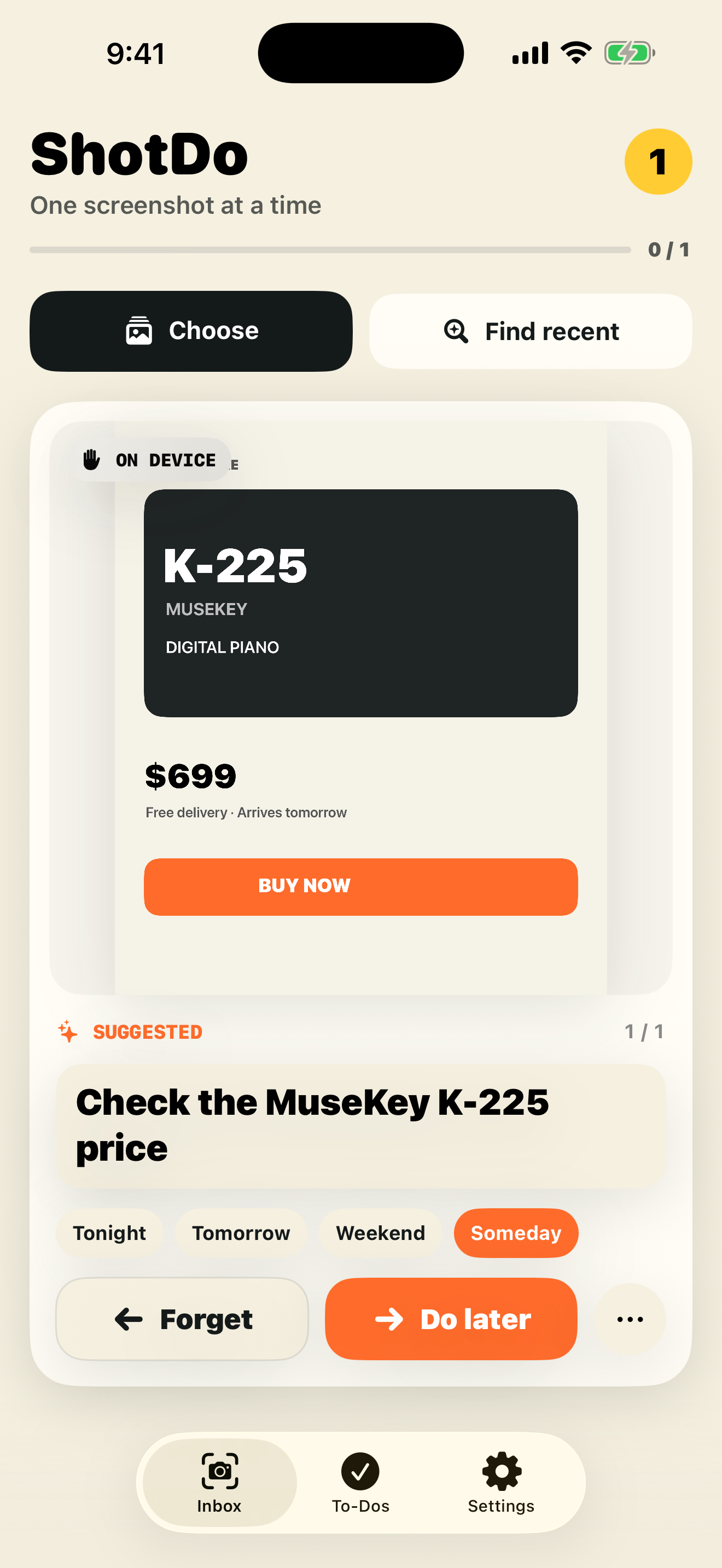
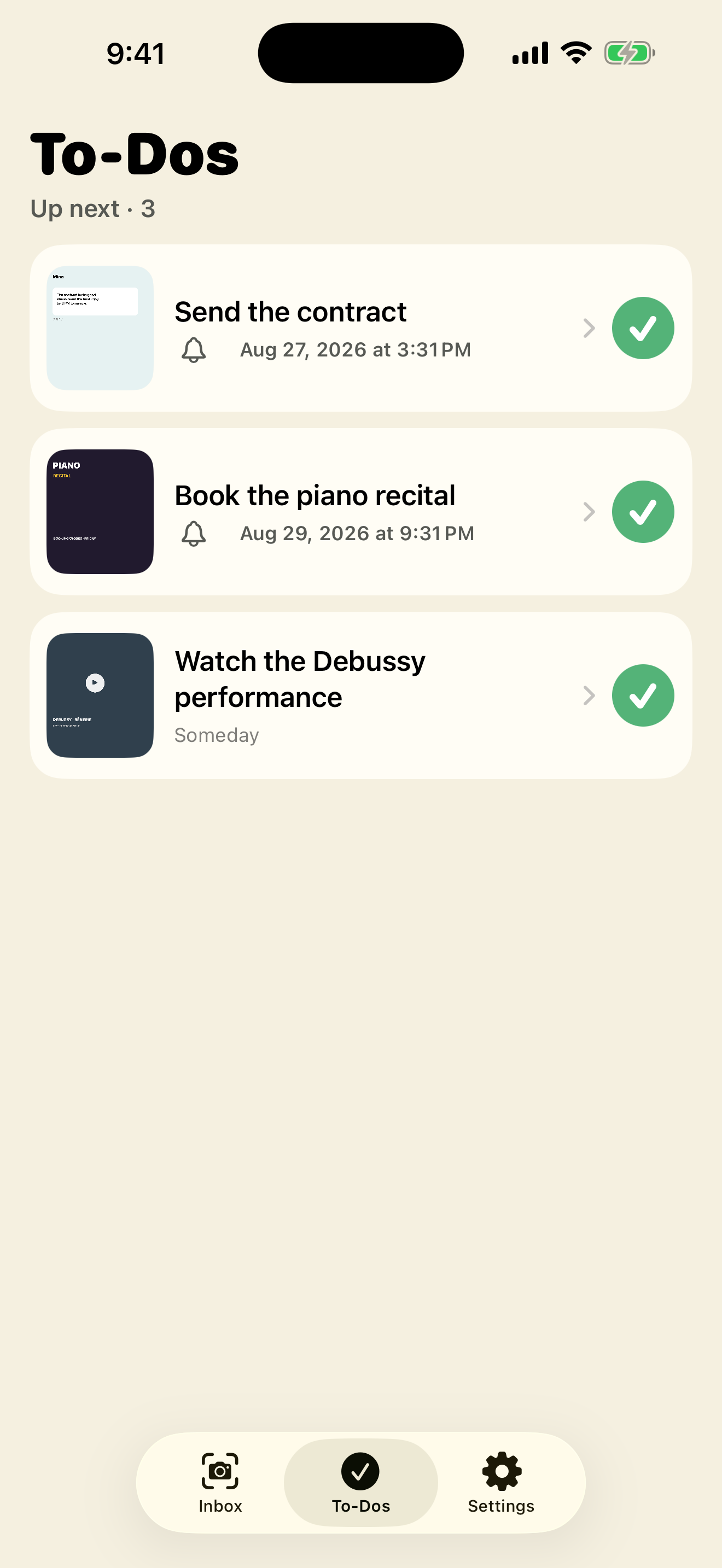
Edit the title before saving, keep a screenshot only as a reference, mark it already done, or forget it. ShotDo leaves the final decision with you.
Dates are suggested only when the screenshot gives useful evidence. Relative dates use the capture time and local time zone; ambiguous dates are left unset.
Eligible devices can use their system on-device language model. Other devices continue to work with on-device OCR and deterministic rules.
Private by design
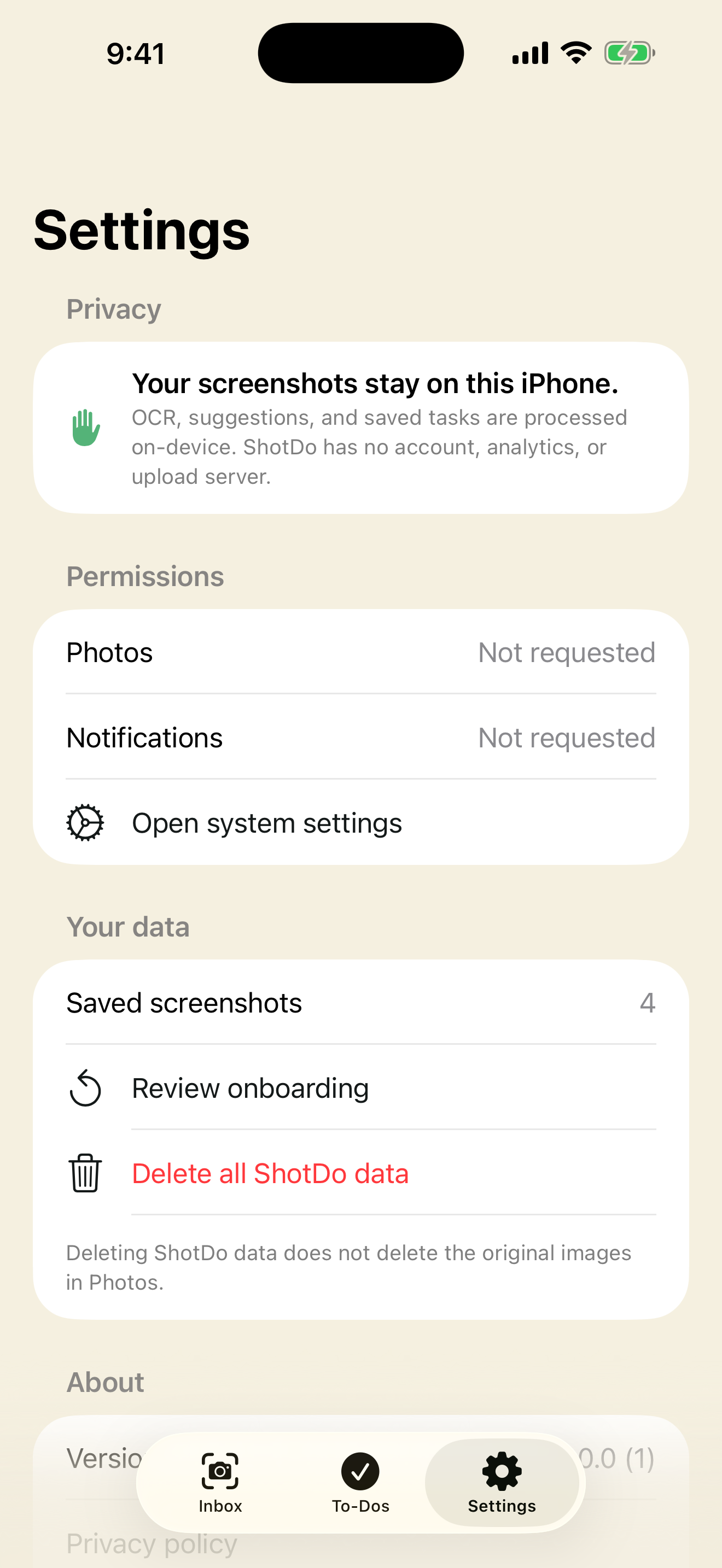
Screenshot pixels, recognized text, suggestions, notes, and to-dos are processed and stored locally. Android uses on-device ML Kit OCR and supported Gemini Nano features. ShotDo has no account, advertising, cloud sync, or developer-operated AI server.
Read the privacy policyBuilt for both stores
FAQ
No. Normal screenshot processing and to-do storage happen on the device. ShotDo does not send screenshot content to HomiSoft or an external AI service.
No. Those system models can improve suggestions on eligible devices, but OCR and deterministic rules keep the core workflow available when a language model is unavailable.
Yes. The title is editable before you save it, and you decide whether to schedule, keep, finish, or forget each screenshot.
No. Deleting ShotDo data removes its local records and private image copies. Removing an original screenshot from the photo library is a separate, system-confirmed action where supported.
The first release focuses on Korean and English screenshots.
ShotDo 1.0
Need help with importing, recognition, reminders, or permissions? The manual includes a complete walkthrough and troubleshooting checklist.