LogScore Manual
LogScore User Manual
LogScore user manual for importing PDF sheet music, annotation, hands-free page turning, metronome, recording, practice logs, and platform-specific sync or backup.
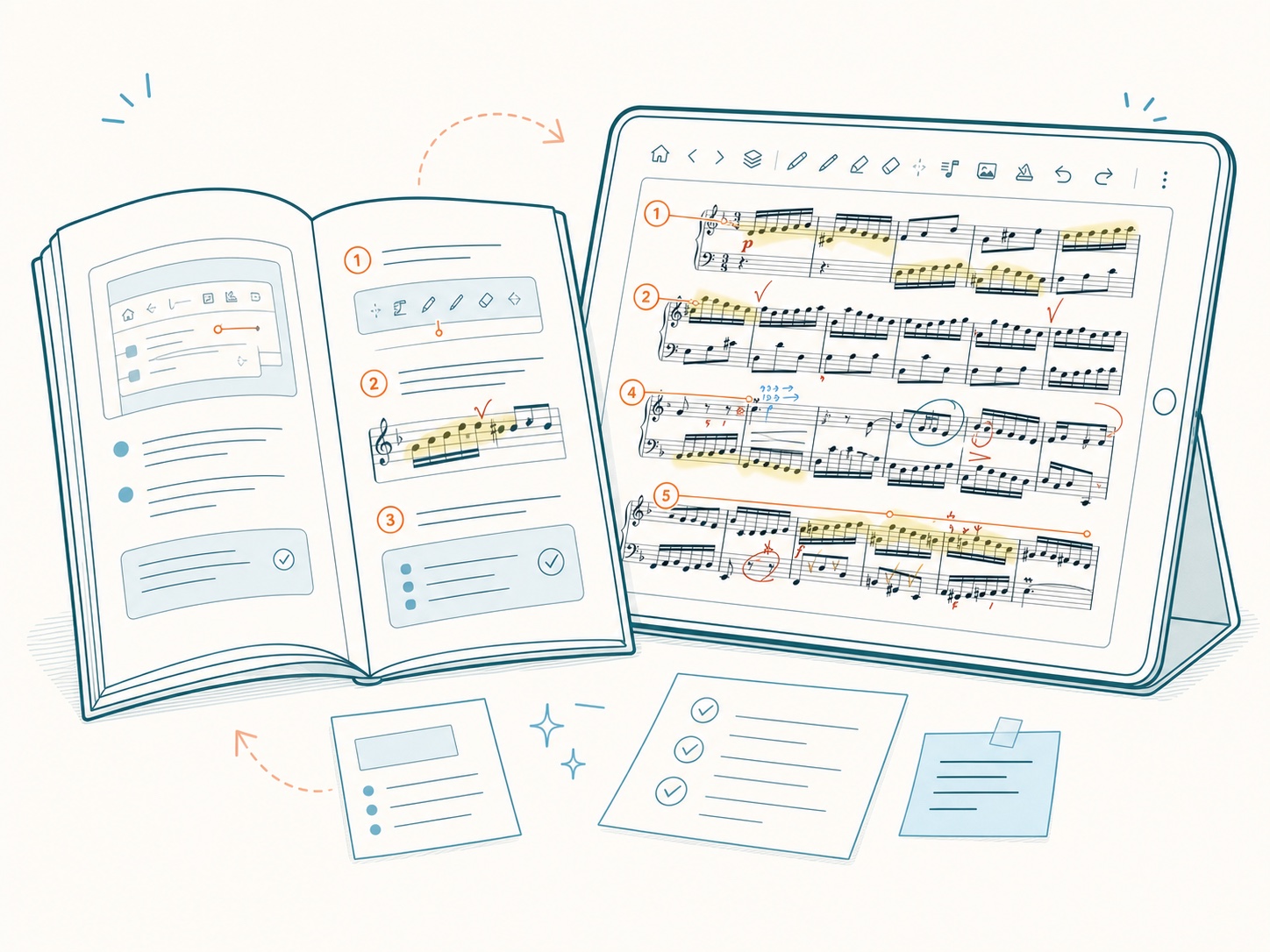
Platform note: The screens and menu instructions in these 17 chapters describe the existing iPhone and iPad interface. Android provides the same core library, layered annotation, hands-free turning, metronome, recording, and practice records, but uses Jetpack Ink, the Android file picker, Bluetooth or USB pedals, on-device face gestures, ZIP backup, and folder sync, so some labels and positions differ.
LogScore is a PDF sheet music viewer and score reader for iPhone, iPad, and Android. It brings your own digital scores, layered annotation, hands-free page turning, a per-score metronome, practice recording, timers, practice logs, streaks, and statistics into one workflow.
This manual starts with the shortest route from importing a PDF to practicing from it. Later chapters explain every major control, what LogScore saves for each score, and what to check when something does not work as expected.
Choose what you want to do
- Start using LogScore
- Import PDF sheet music
- Organize the score library
- Read and navigate a PDF score
- Annotate with Apple Pencil
- Use annotation layers, symbols, text, and images
- Trim margins or rearrange PDF pages
- Turn pages hands-free
- Use a Bluetooth page-turner pedal
- Practice with the metronome
- Record and review a performance
- Track practice time and statistics
- Plan daily practice and count repetitions
- Sync with iCloud
- Change settings or make a backup
- Solve a problem
Before you begin
LogScore is designed around PDF sheet music. You need permission to use every score you import. IMSLP availability and copyright status vary by work, edition, and country; verify that you may download and use a score in your location.
Apple Pencil annotation requires a compatible iPad and Apple Pencil. Face-gesture page turning requires a device that supports Apple face tracking. AirPods head movement requires compatible connected AirPods with headphone motion support. Bluetooth pedal input supports pedals that behave as an iOS keyboard or HID page-turner.
---