Read and Organize PDF Sheet Music
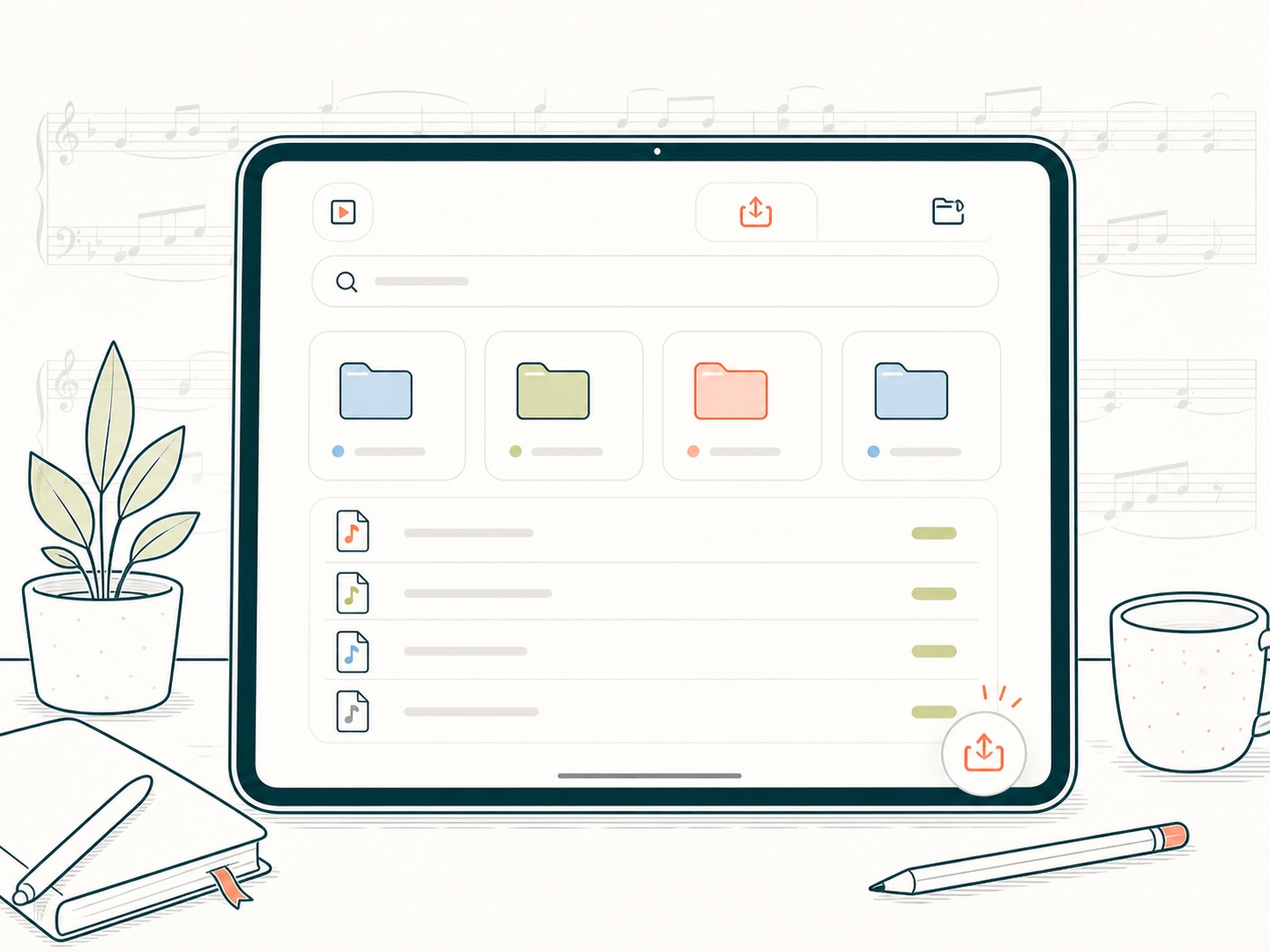
Import PDF sheet music with the platform file picker, keep scores organized in folders, and return to the music you need without turning the app into a file-management chore.
 LogScore
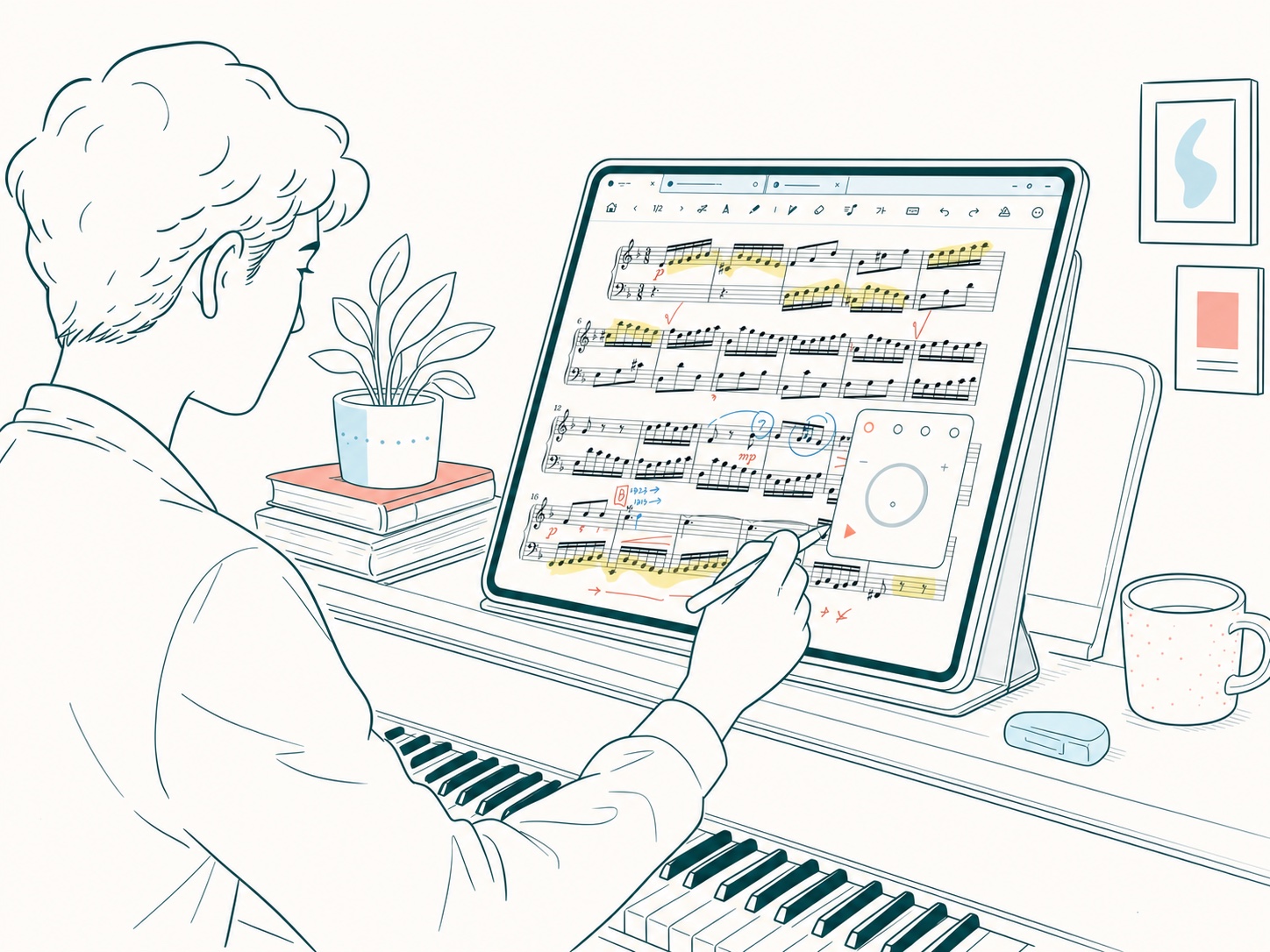
Import your own PDF sheet music, annotate with Apple Pencil or Android pen tools, turn pages hands-free, and keep metronome, recording, timer, and practice history connected to each score.
Music Practice
Import PDF sheet music with the platform file picker, keep scores organized in folders, and return to the music you need without turning the app into a file-management chore.
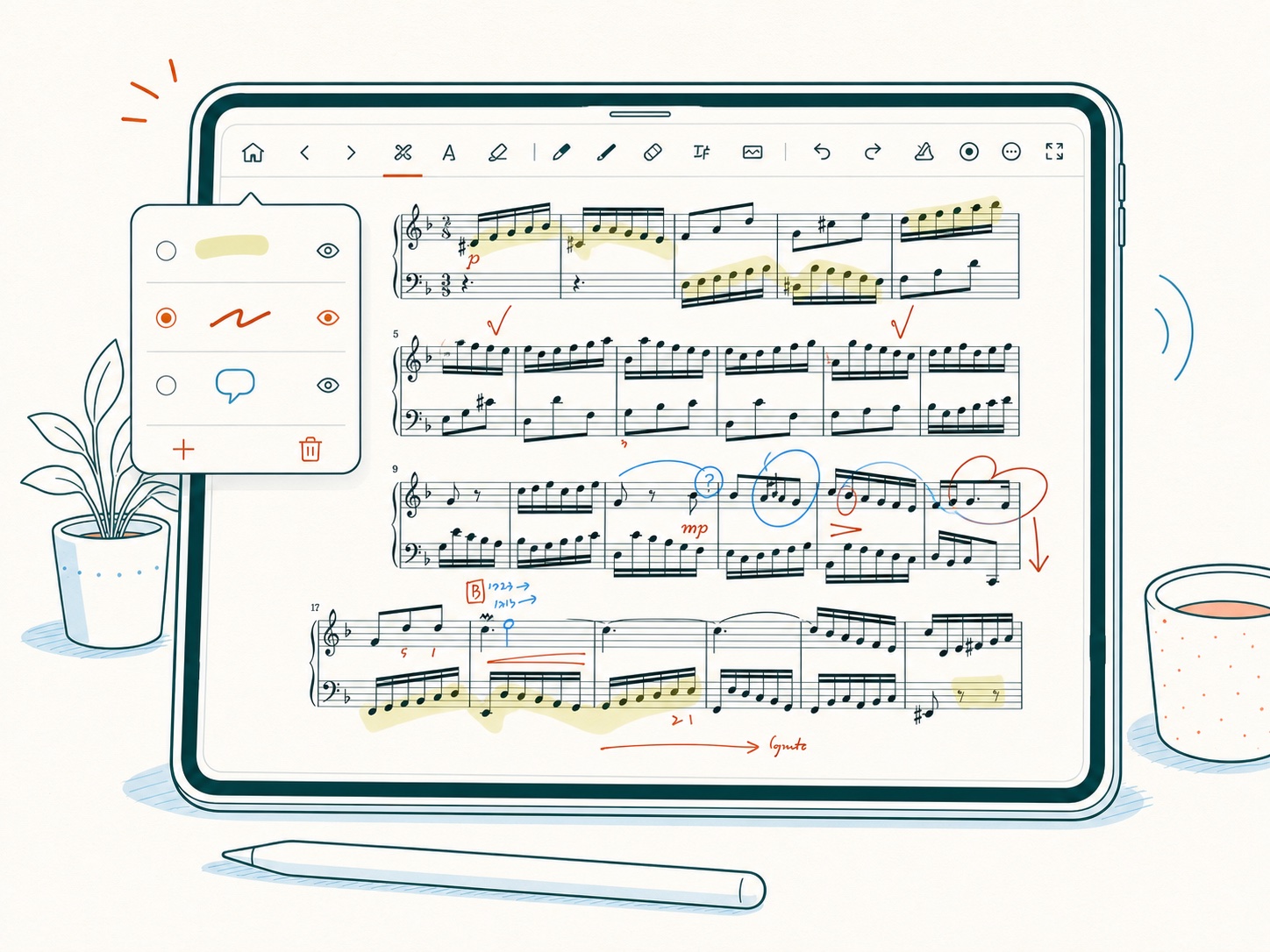
Write directly on your score with Apple Pencil on iPad or Jetpack Ink tools on Android, separate markings by layer, and keep fingering, dynamics, voice notes, and lesson marks easier to review.
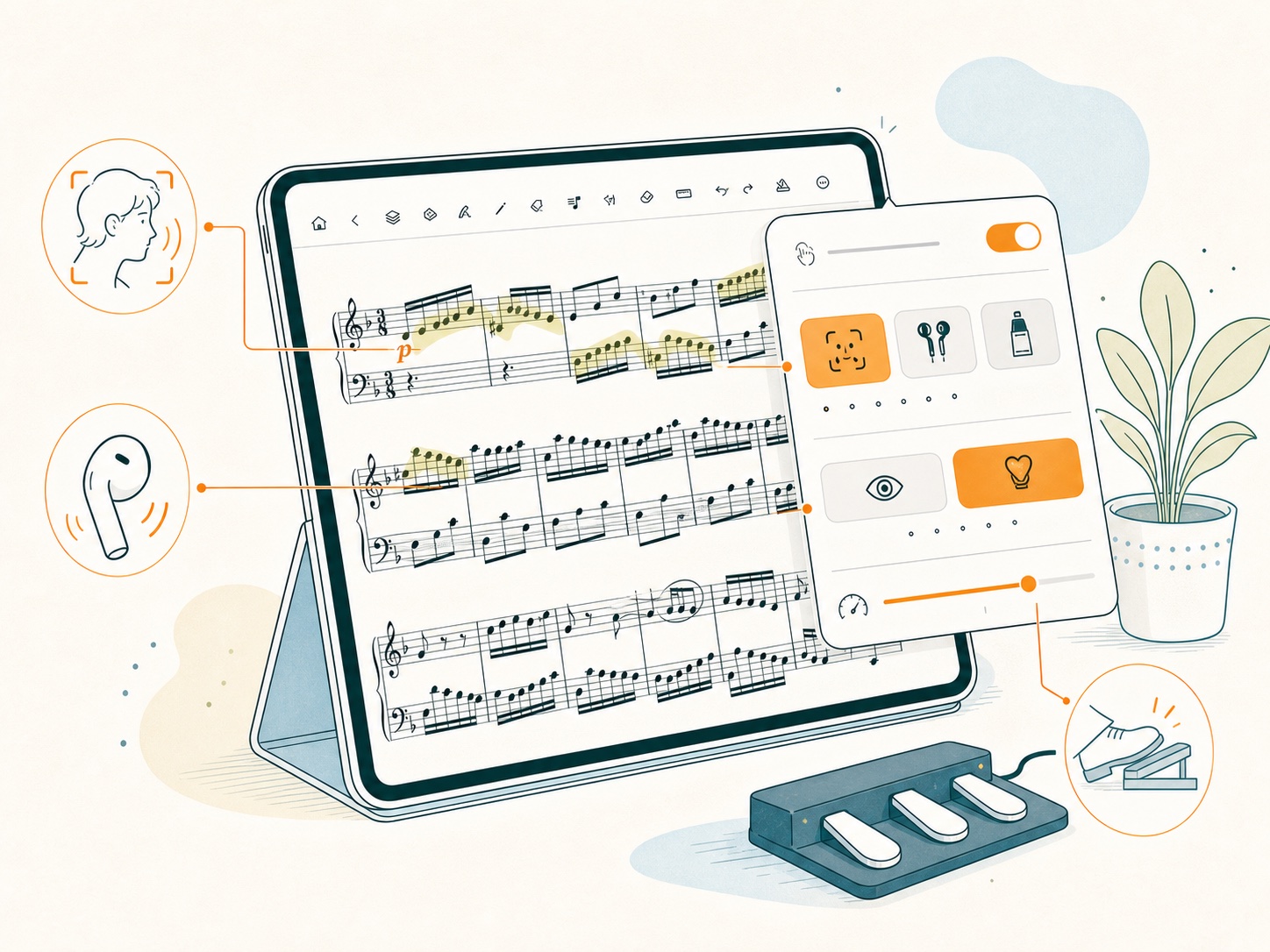
Use face gestures or a Bluetooth page turner to move through PDF scores while both hands stay with the instrument.
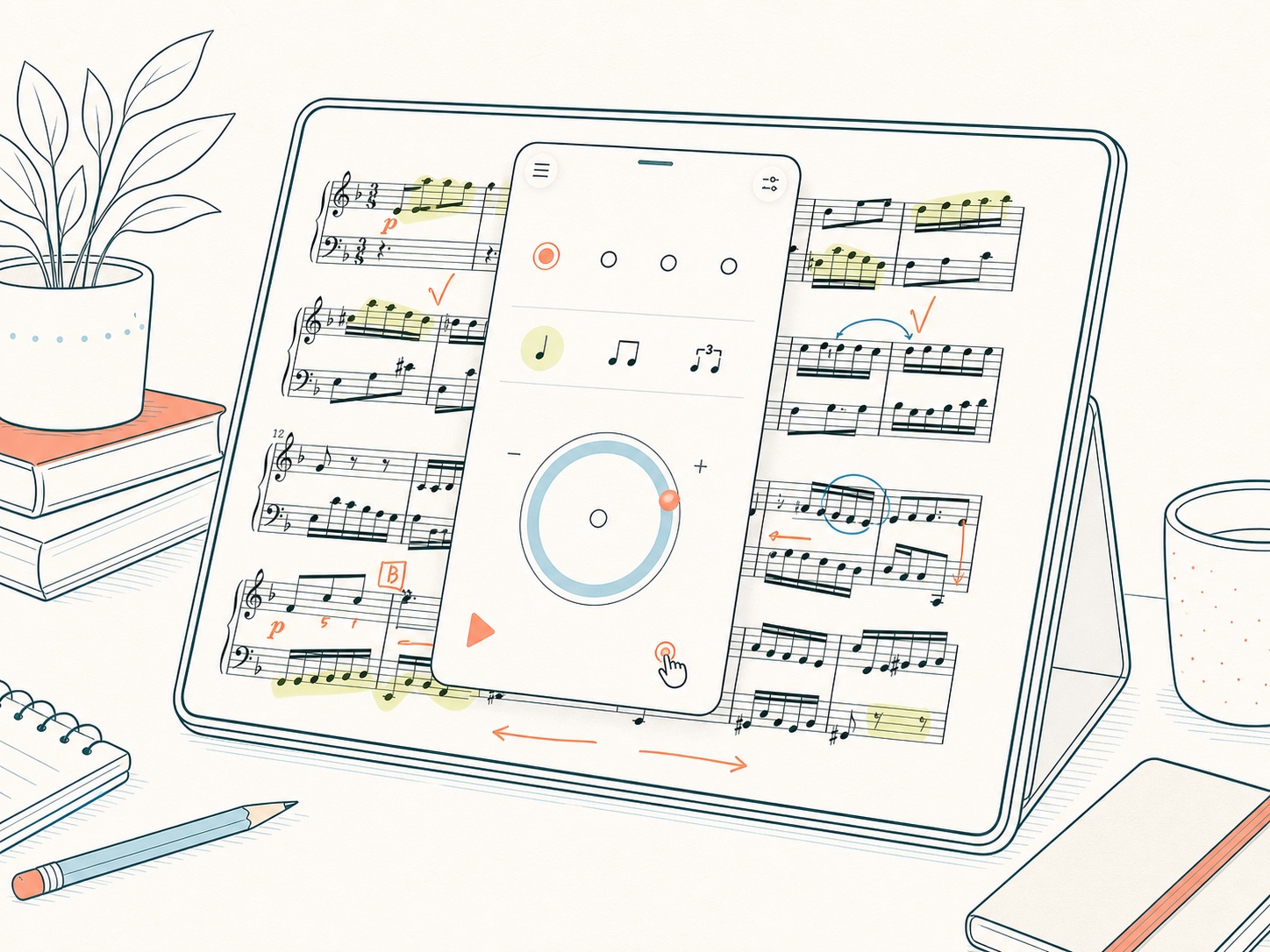
Metronome
Keep tempo, beat, and practice tools connected to the score you are reading instead of rebuilding the setup every time.
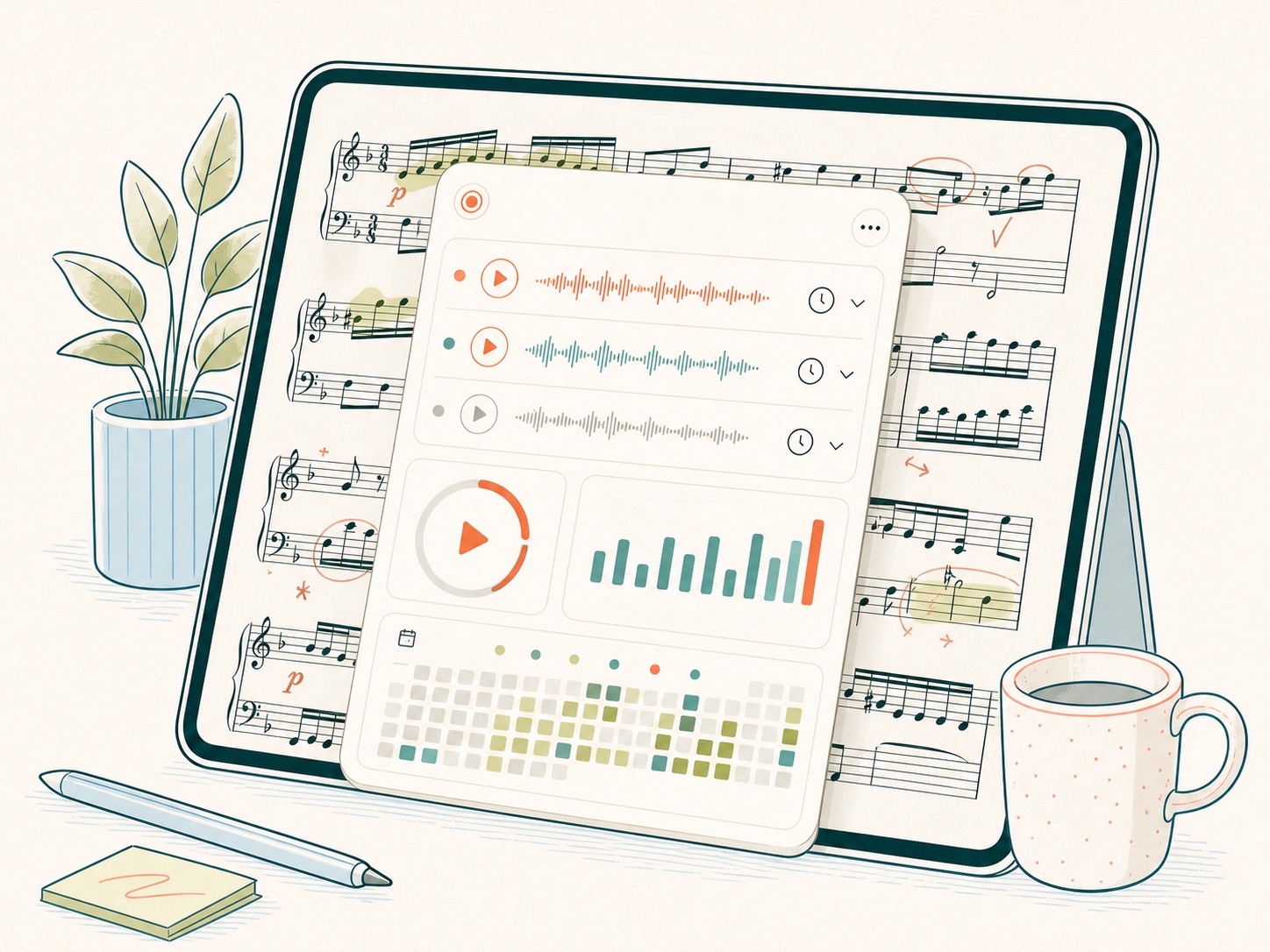
History
Record passages, time practice sessions, review logs, and keep counters and statistics close to the score.
Platform details
On iPhone and iPad, LogScore supports Apple Pencil and optional private iCloud sync. On Android, it uses Jetpack Ink annotation, the Android system file picker, Bluetooth or USB page turners, on-device face gestures, and user-initiated ZIP backup or folder sync. The illustrations on this page are conceptual tablet examples; actual controls can differ by platform.
FAQ
Yes. LogScore is designed for musicians who read their own PDF sheet music on iPad and iPhone.
Yes. LogScore supports Apple Pencil annotation with separate layers for different kinds of markings.
Yes. Recording, practice timer sessions, counters, and practice history are kept close to each score.
On Apple devices, LogScore can use the user's private iCloud database when iCloud sync is enabled. Android uses local files, user-initiated ZIP backup, and provider-neutral folder sync instead of iCloud.