Today
Plan for the time you actually have
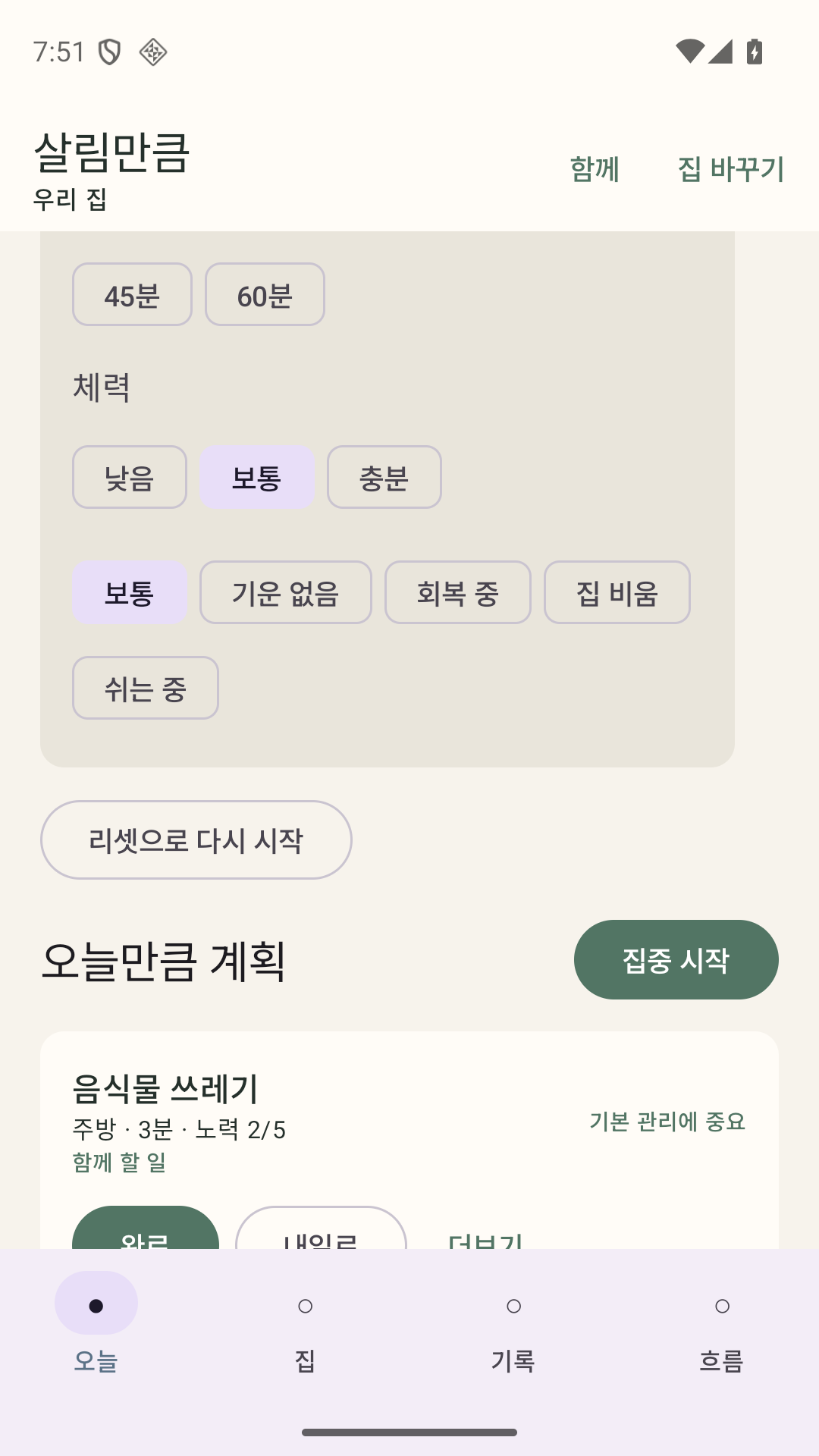
Choose 0, 5, 10, 15, 30, 45, or 60 minutes and today's energy.
 TidyEnough: Home Chores
Home chores and cleaning routines
Choose how much time and energy you have today. TidyEnough turns the choices into a clear, deterministic home plan without treating rest as failure.
iOS availability has not been confirmed · Available on Android

Today
Rest
Reset
Partial
Today and Rest
Select today's available time from 0, 5, 10, 15, 30, 45, or 60 minutes and choose your energy. The same input and home data produce the same plan.
Choosing 0 minutes or Rest leaves the action list empty. TidyEnough does not force even an important task into a day you marked for rest. Completing a task also does not automatically fill the freed time with another task.
Reset and partial progress
Reset spreads remaining work across the next seven days using only the availability you entered. Days with unknown availability stay empty instead of receiving a guessed workload.
Record the completed portion and the remaining scope separately. Complete, snooze, skip, and pause remain distinct outcomes so Activity and Insights can reflect what actually happened.
Away, Guest, and local household roles
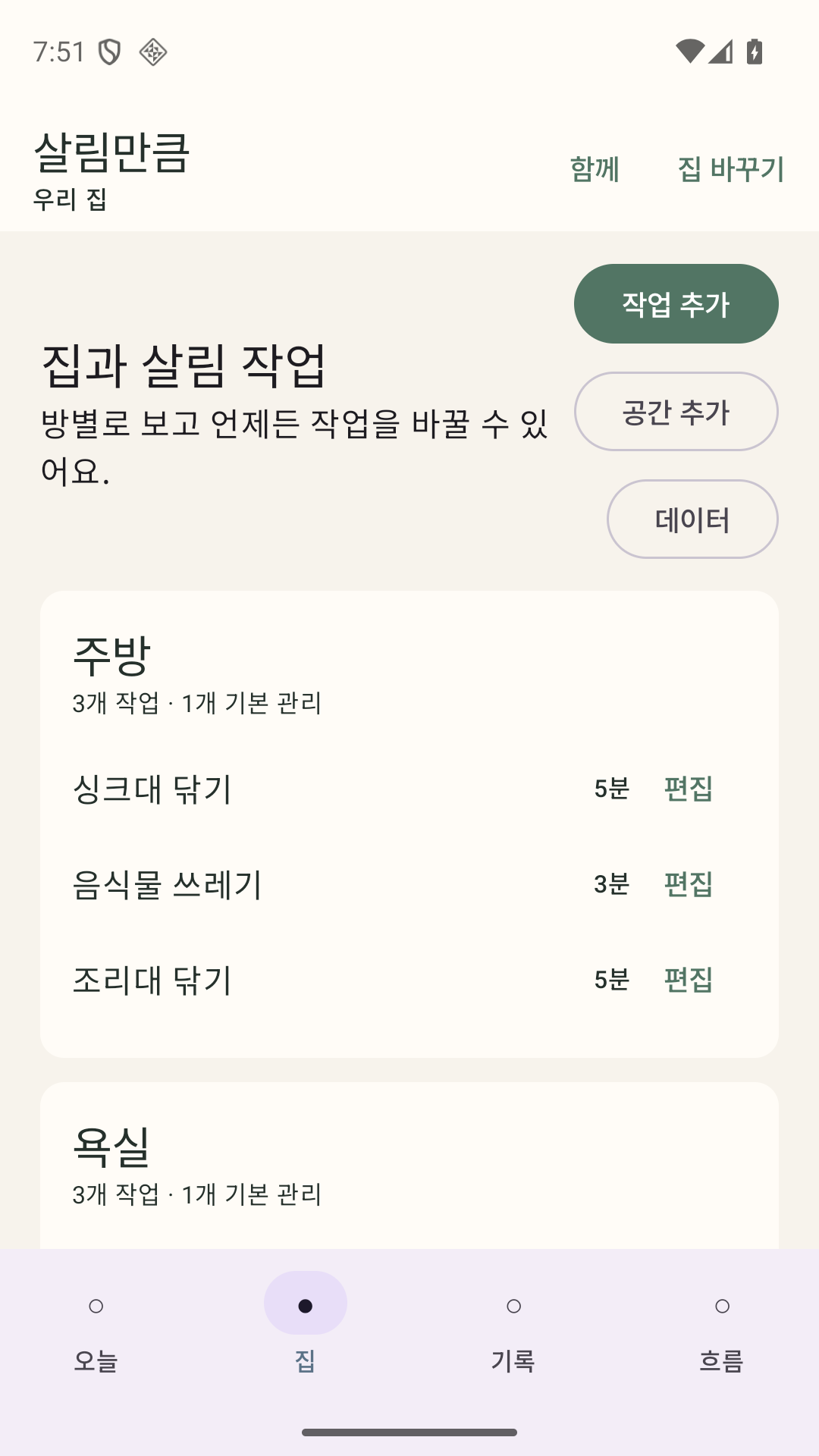
Use Away and Guest plans for periods when the normal routine does not fit. Local household members, assignments, rotation, and contribution records help organize shared work on the device.
The current version does not create a server account or synchronize household data through a HomiSoft cloud service.
Activity, Insights, and portable copies
Activity and Insights summarize local completion and contribution records. Export CSV or PDF when you want a readable copy.
Create an optionally encrypted .tidyenough backup, preview it before restore, and move the supported structure between iPhone and Android. Import, export, and restore happen only when you start them.
Free and optional Lifetime Pro
There is no subscription. The platform store shows the price offered in your region inside the app.
Free
Lifetime Pro
Lifetime Pro is a single one-time purchase with no subscription. Availability and localized store price are shown in the app where offered.
FAQ
The action list stays empty. TidyEnough does not force an important task into a Rest plan.
No. Completing a task does not auto-fill the remaining time with another task.
Reset divides remaining work across availability you already entered. A day with unknown availability remains empty instead of receiving a guessed plan.
No. The current version is local-first and does not require an account or provide HomiSoft cloud synchronization. It also has no advertising or tracking SDK.
The .tidyenough backup uses a portable structure for supported iPhone and Android versions. You can optionally encrypt it and preview its contents before restore.
Privacy and support
No account, HomiSoft cloud sync, advertising, or tracking SDK is required in the current version. Files leave the app only when you choose an export, backup, or share action.